Build a paper from real past-year questions.
For a short revision session on photosynthesis, you might want one experiment and one question about a plant. Choose both yourself and put them on the same paper.
Try IllumiTutor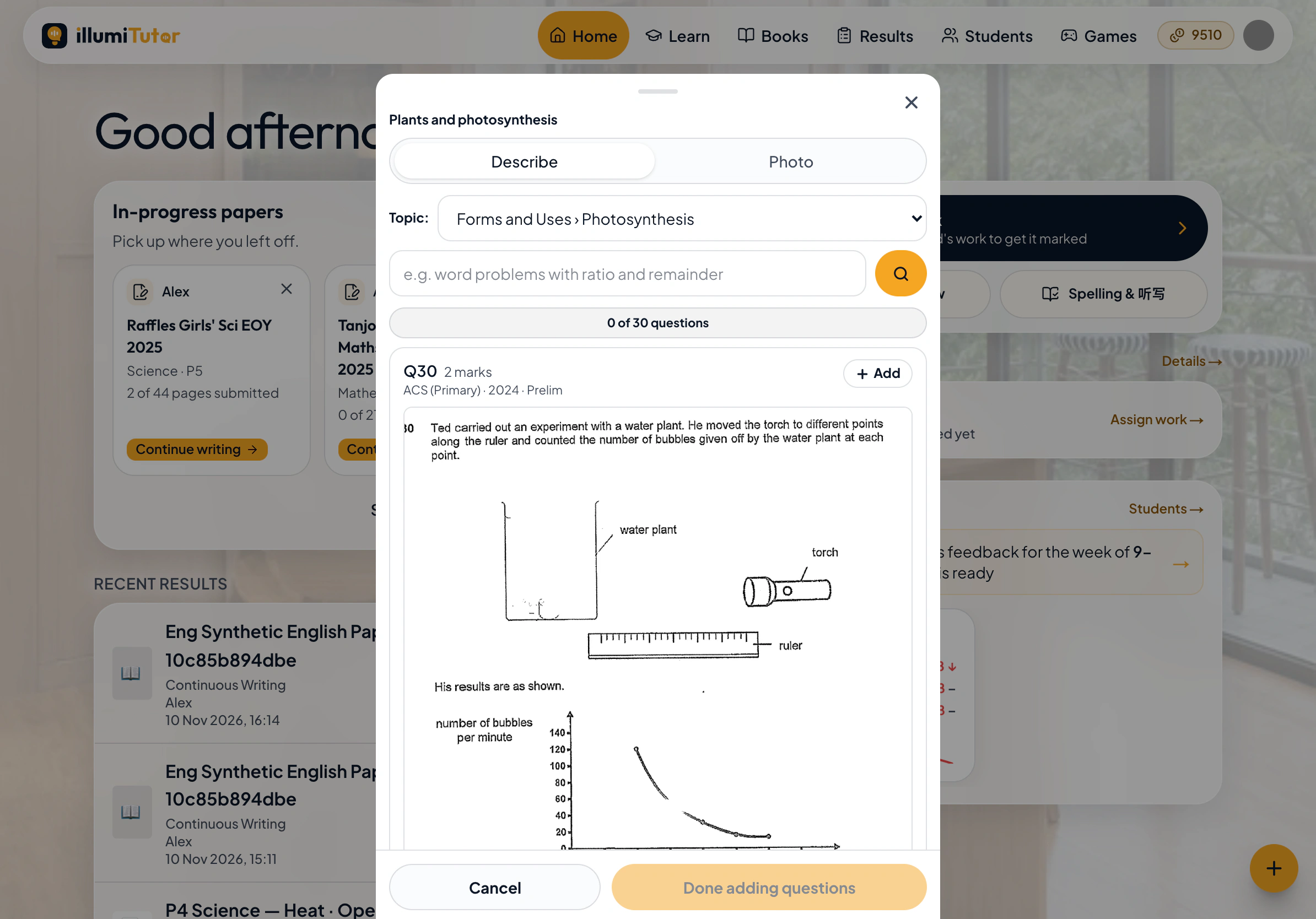
- 1
Set up the paper
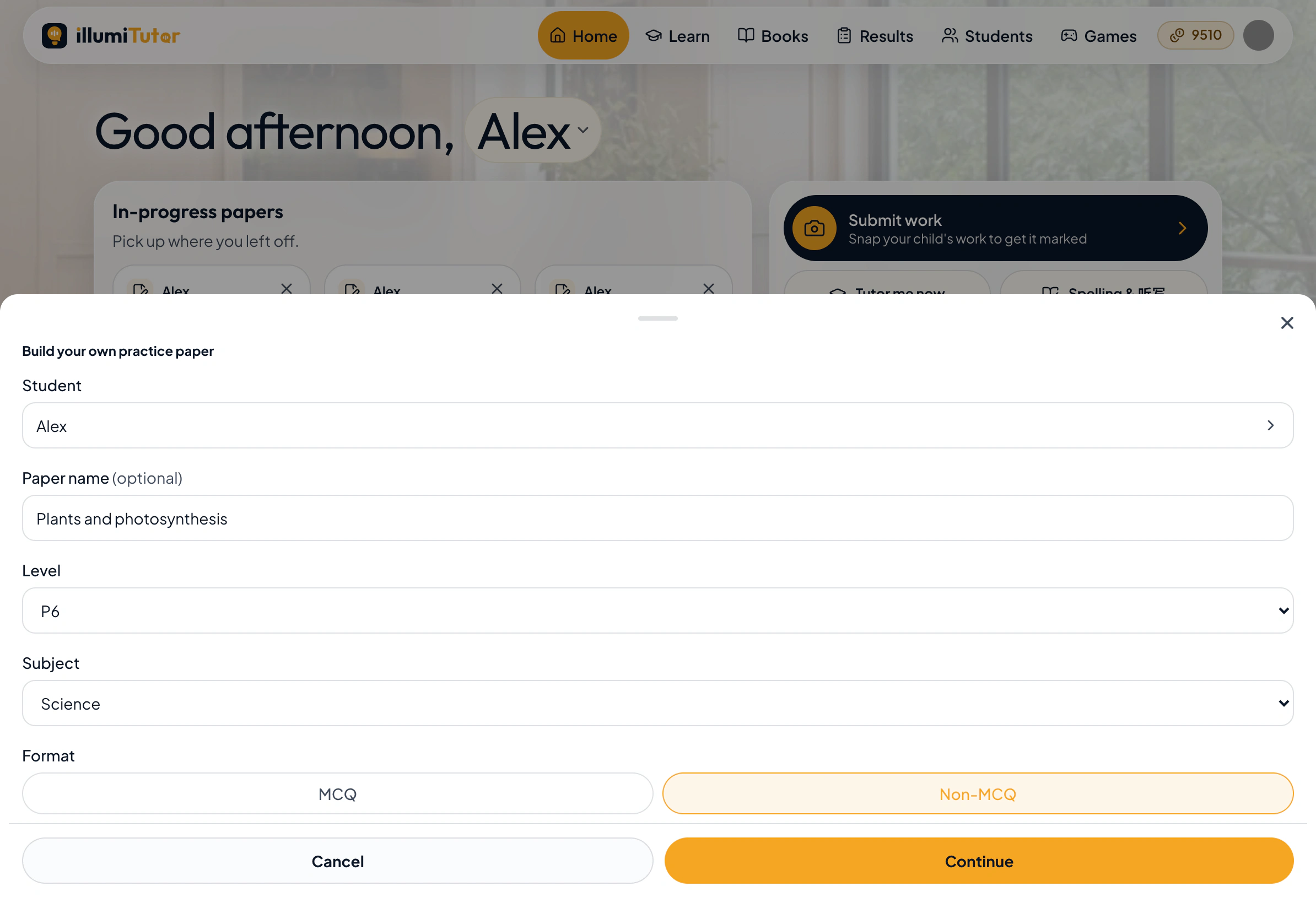
Open Quick actions and choose Create practice paper. Pick your child, level, subject and question format. Give the paper a name your child will recognise.
- 2
Preview the actual questions
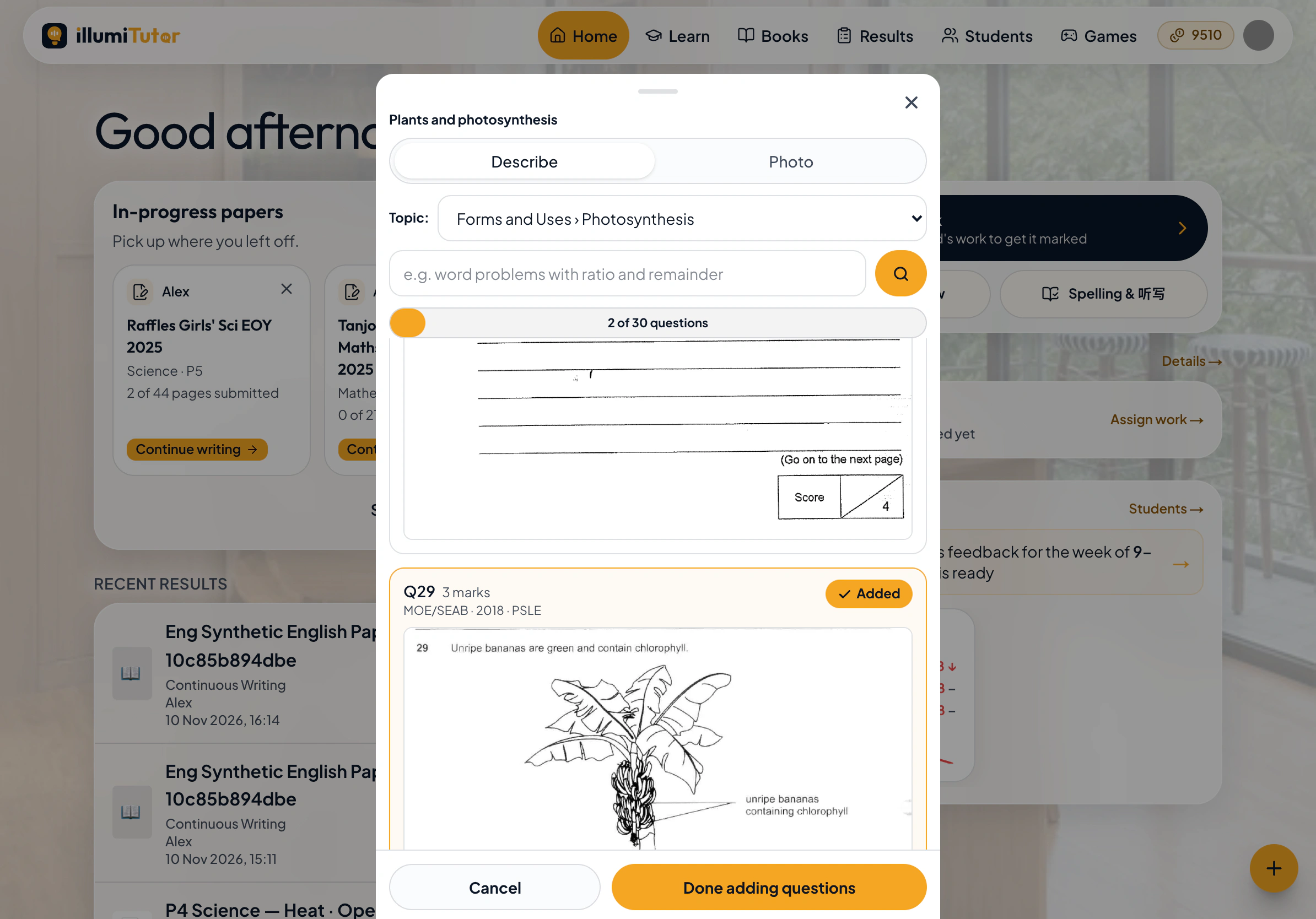
Choose a topic, describe the question you want, or search with a photo. Check the diagrams, source paper and marks, then add the questions you want. Here we chose an ACS experiment and a PSLE question on bananas.
- 3
Open the finished worksheet
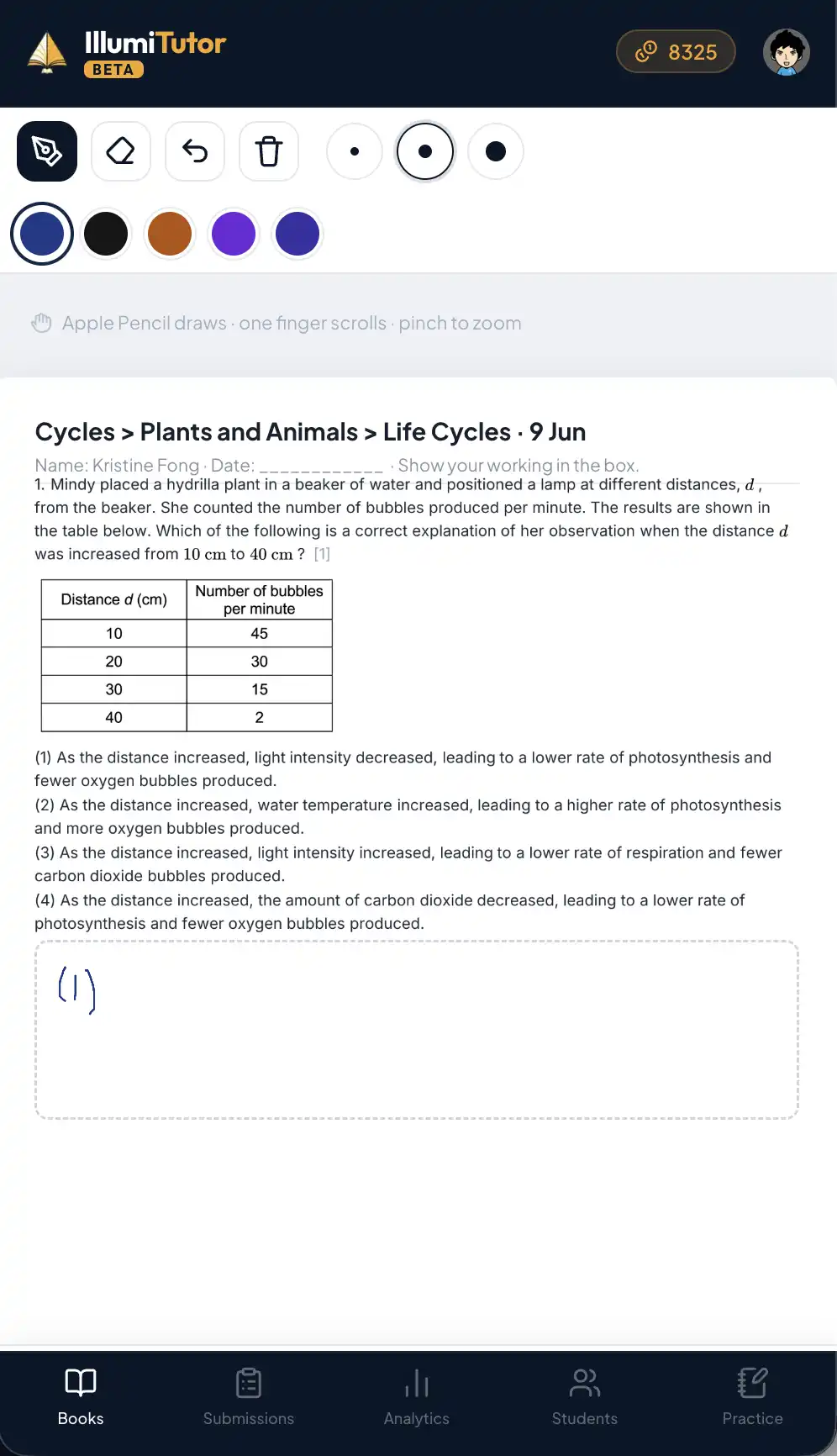
Tap Done adding questions. IllumiTutor puts your selections together and saves the paper in Books. Your child can open it on the iPad and write straight onto the page.
Questions parents ask
Where do the questions come from?
The question bank contains past-year papers. Each search result shows the source and available marks so you can decide whether it fits.
Where do I find the paper again?
Open Books and look in My books & papers for the name you chose.
Which plan includes the builder?
Custom practice papers are included with Plus and above. The available subjects and formats depend on the selected level.
Read more