Talk through the diagram with Ms. Lumi.
Your child can point to the exact part of a paper they are puzzling over. Ms. Lumi’s voice bubble leaves the diagram and their working in view.
Try IllumiTutor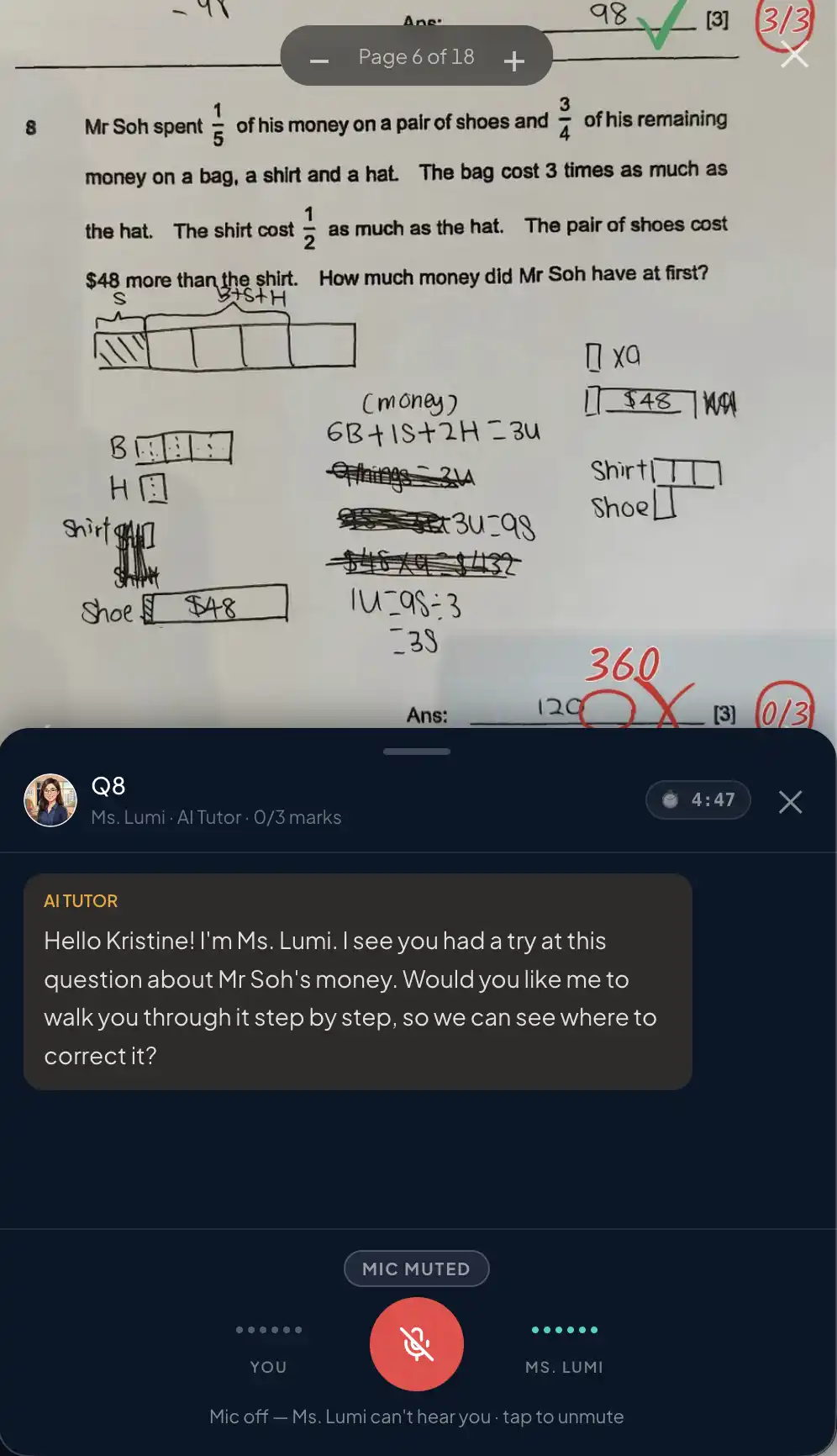
- 1
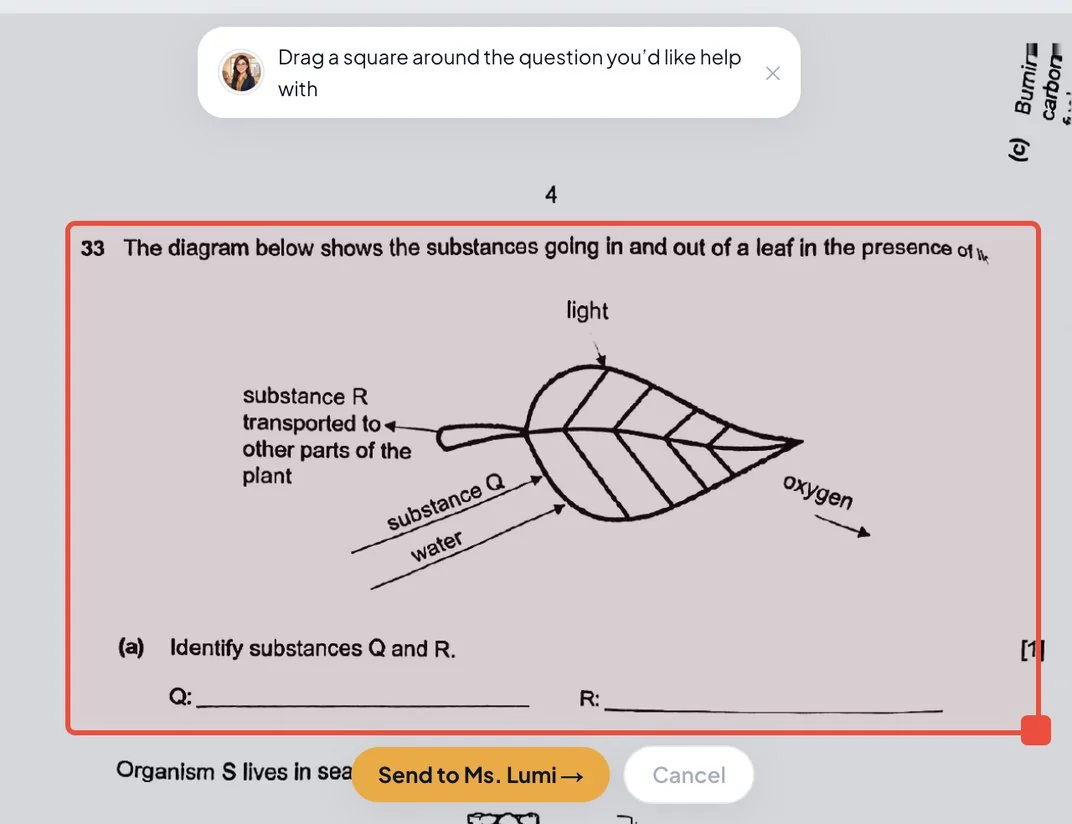
Select the part you want to discuss
On the worksheet, open Ask Ms. Lumi for help. Tap a question number to select it automatically, or draw your own box. Here the red outline picks out the entire plant life-cycle question. Tap Send to Ms. Lumi to start.
- 2
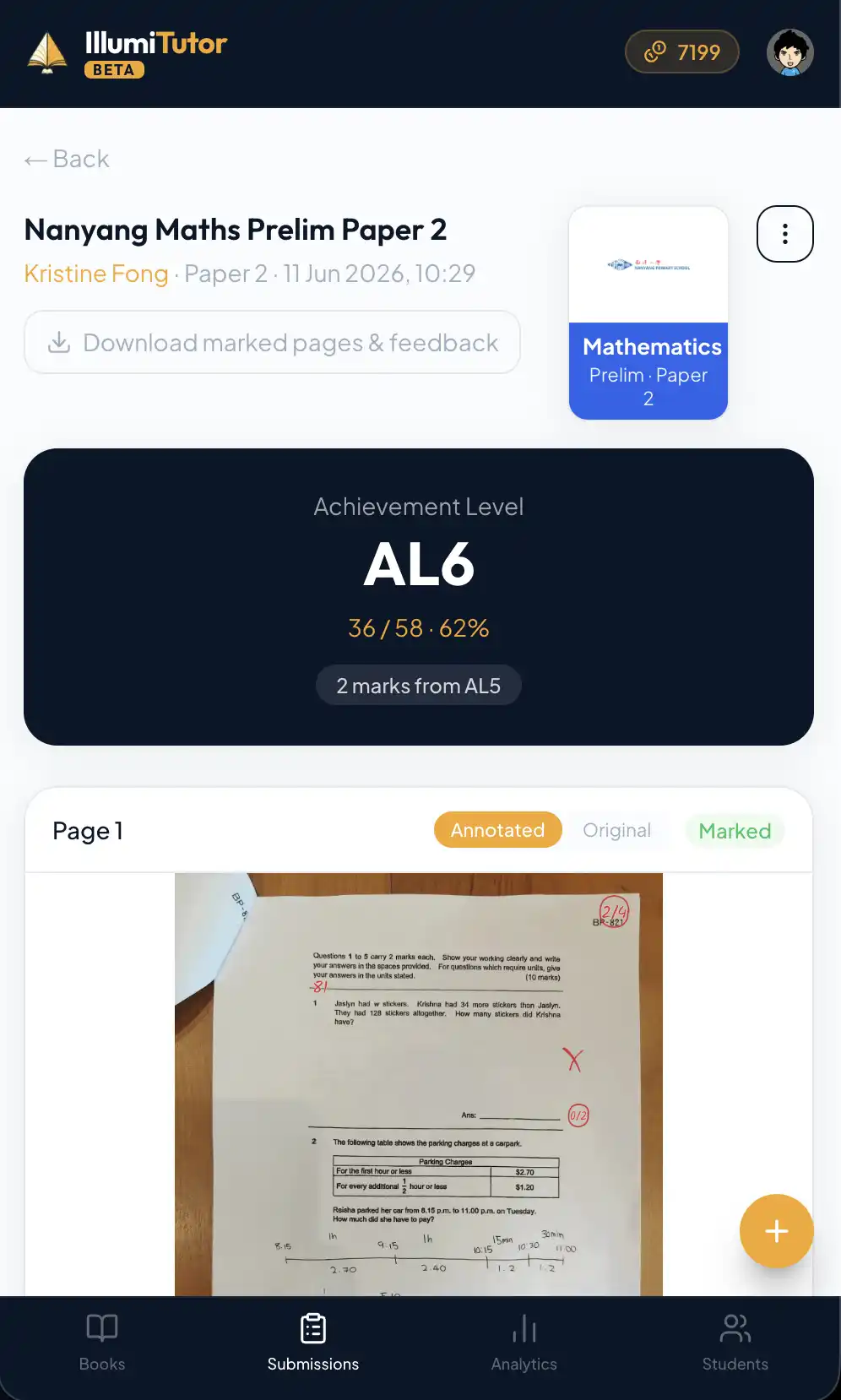
Ask about a mark
Your child can also start from a marked answer. Here the marker explains the difference between absorbing and conducting heat. Choose Discuss Q36(a) to ask Ms. Lumi about that feedback.
Watch a recorded tutoring session
Questions parents ask
Can my child ask about a marked answer?
Yes. Open a question’s feedback on the marked page and choose Discuss to talk about that answer with Ms. Lumi.
Can they keep writing?
Yes. In bubble mode the worksheet and drawing tools stay available during the conversation.
Read more