Find past mistakes by topic.
When your child is revising photosynthesis, the last three questions they missed may be in three different papers. Learn gathers those attempts under the same topic.
Try IllumiTutor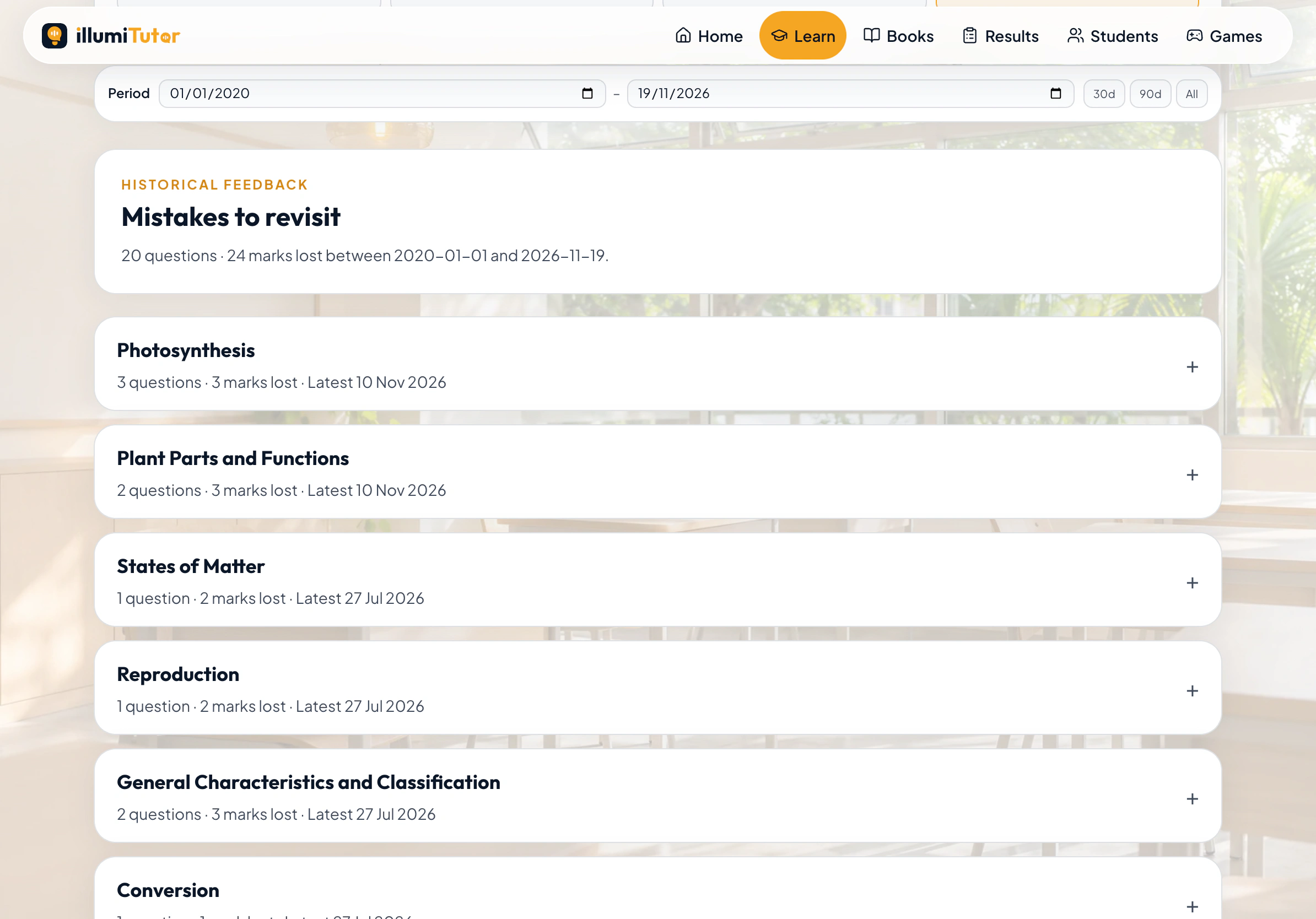
- 1
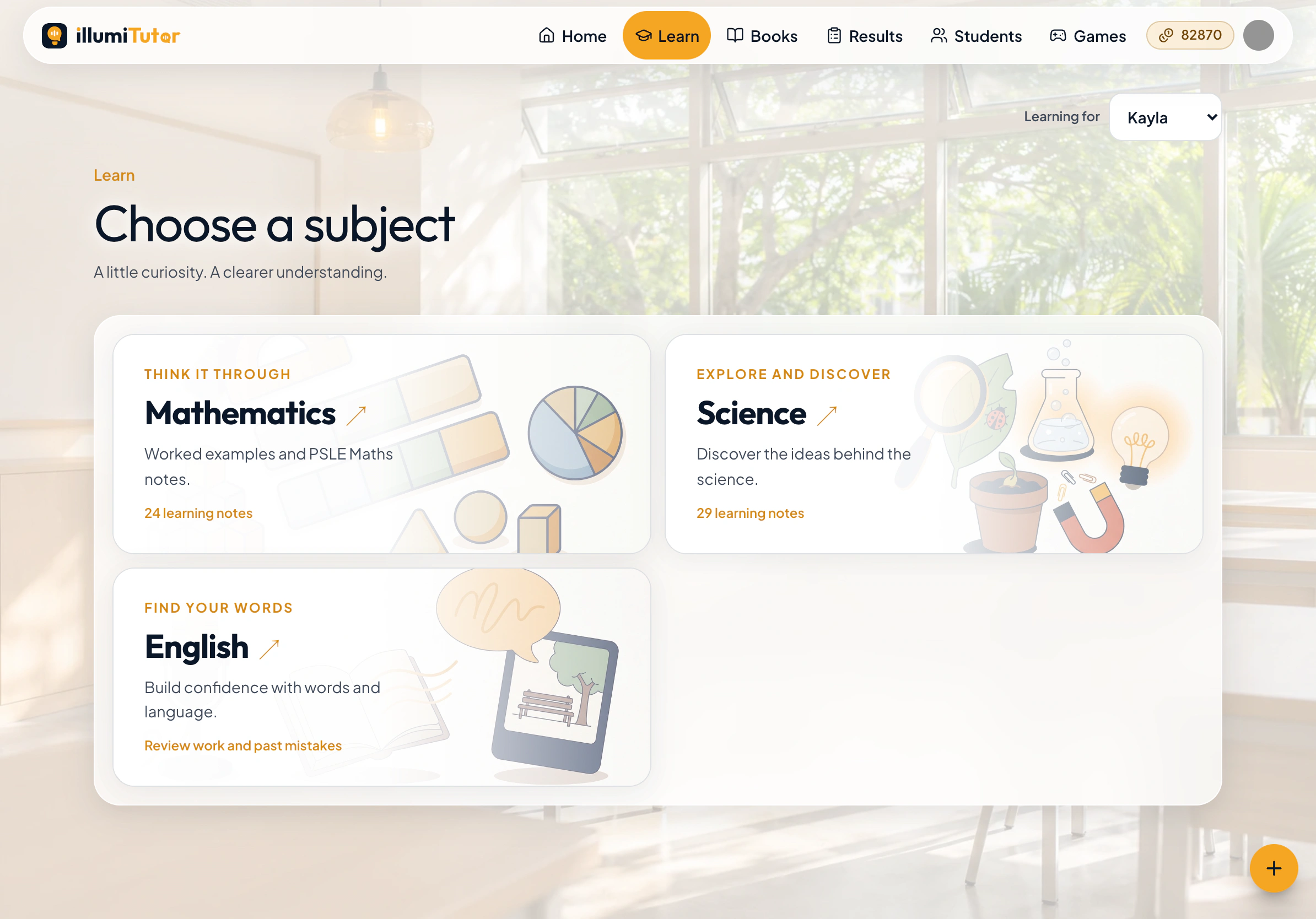
Choose your child and subject
Open Learn, choose the learner, then tap Science. Select Past mistakes and choose the level and time period you want to review.
- 2
Expand a topic to find the attempt
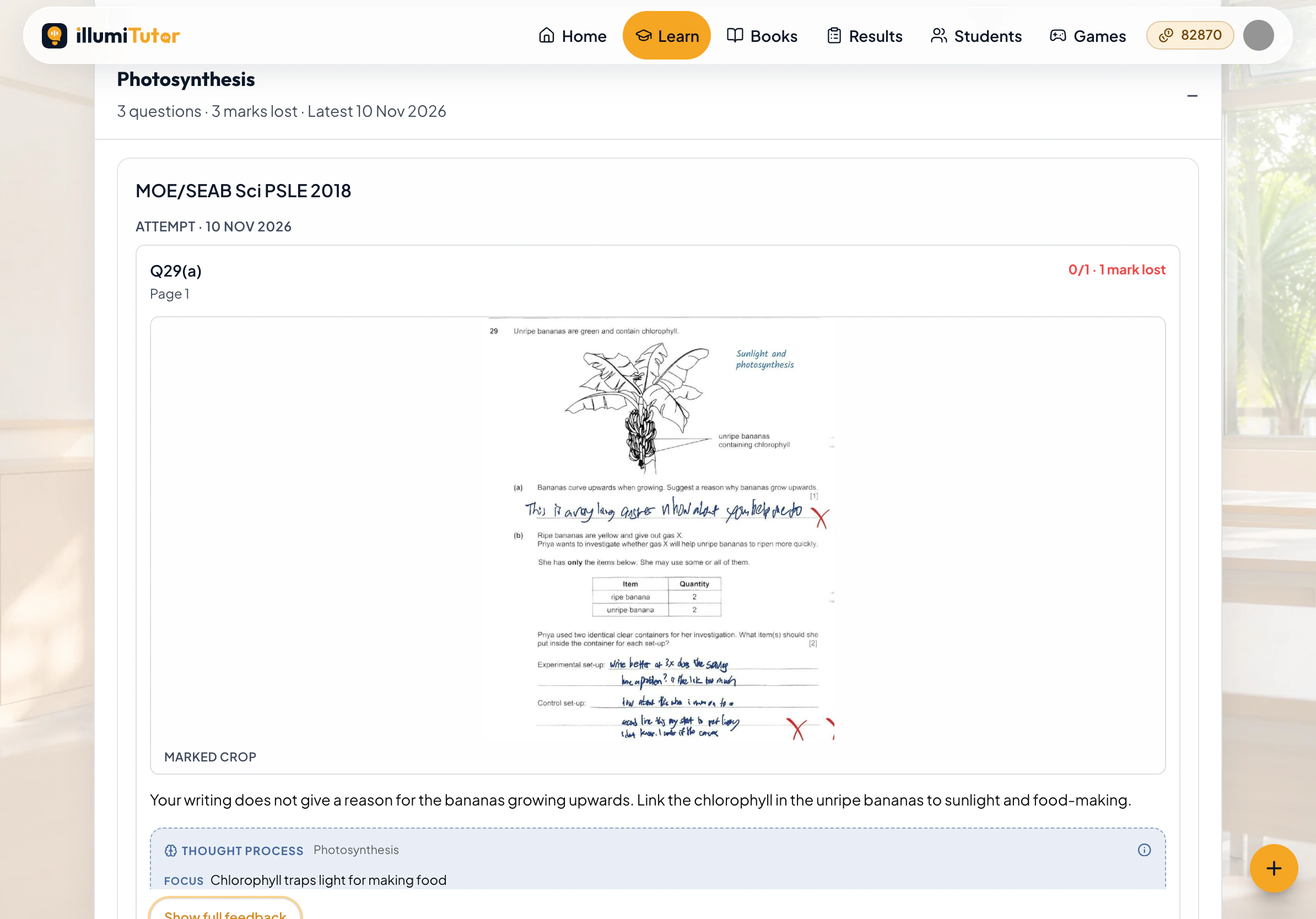
Each topic shows how many questions cost marks and when the latest attempt was. Open Photosynthesis to see the paper, question number, marks lost and the marker’s explanation.
- 3
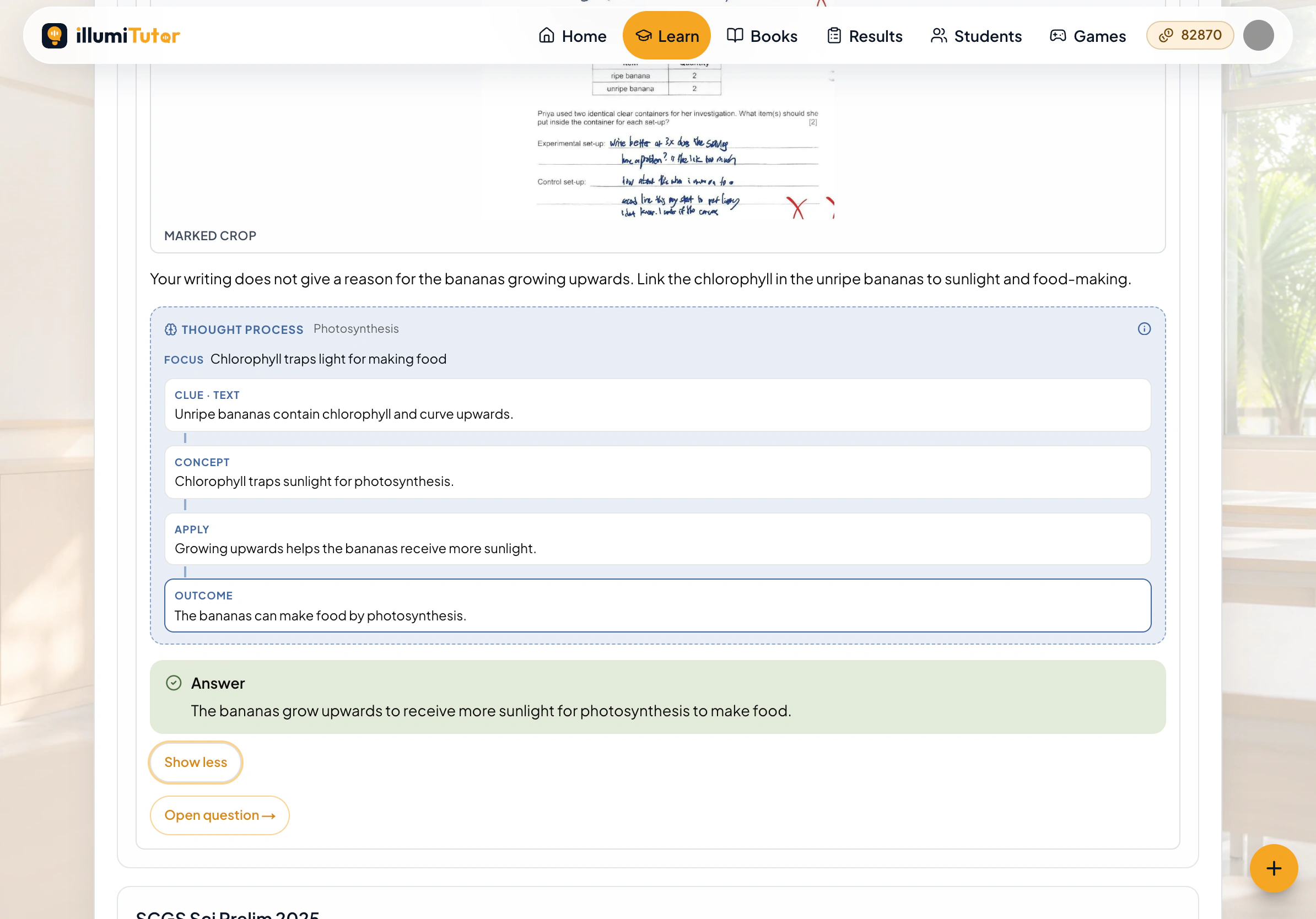
Read the full feedback or reopen the paper
Tap Show full feedback to see how the clue about chlorophyll leads to the answer. Choose Open question to return to this exact attempt on the marked paper.
Questions parents ask
Can I go further back?
Choose All, or use the date fields to focus on a particular revision period.
Can I see the original handwriting?
Yes. Open question takes you back to the marked submission. You can switch between the original and marked views on the canvas.
Read more