Step 1–2 of the loop
Snap the worksheet. We mark the rest.
Photograph any page of practice. In about 30 seconds it comes back marked against the answer key, with the exact spots your child lost marks circled.
Try free — 200 credits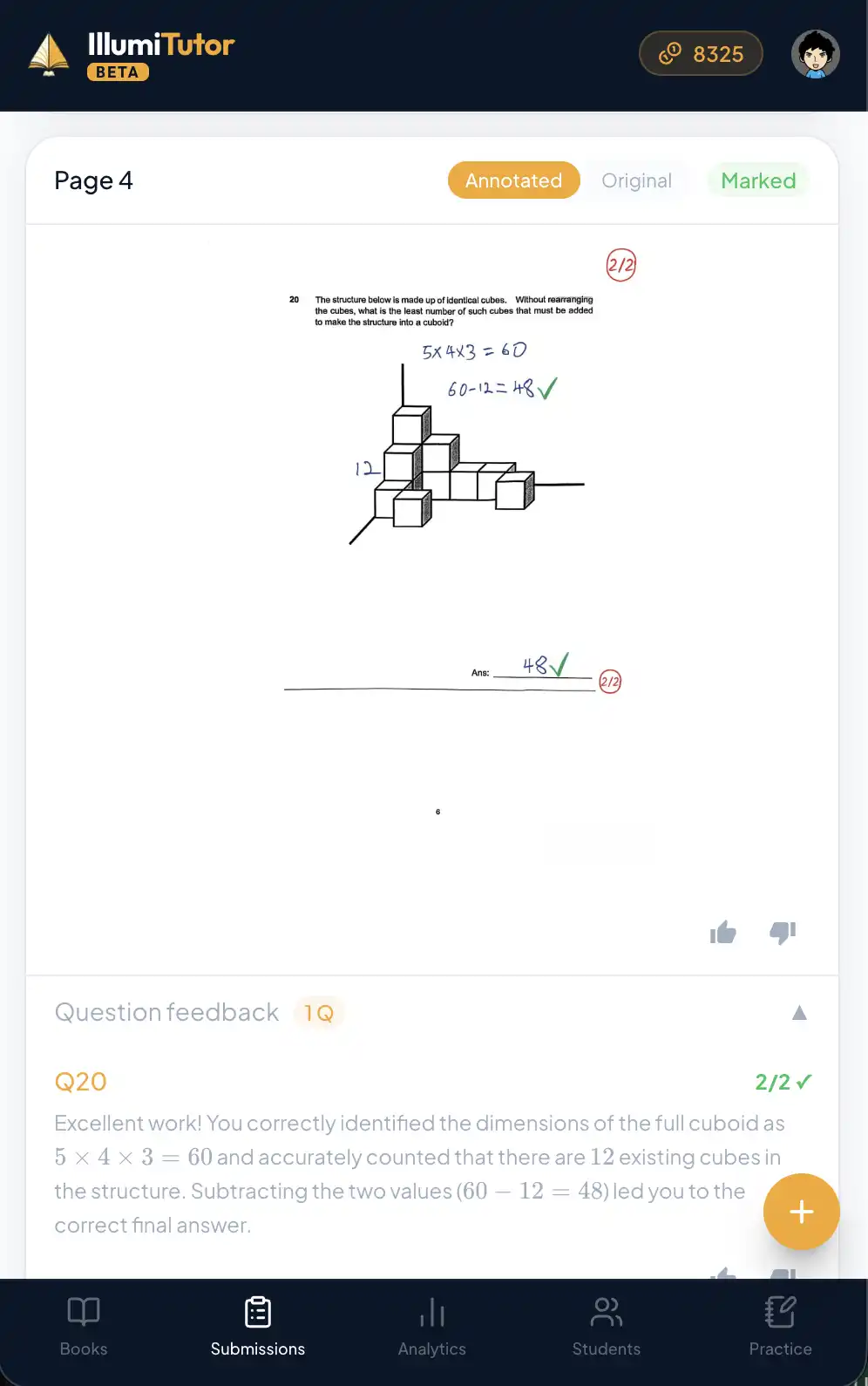
- 1
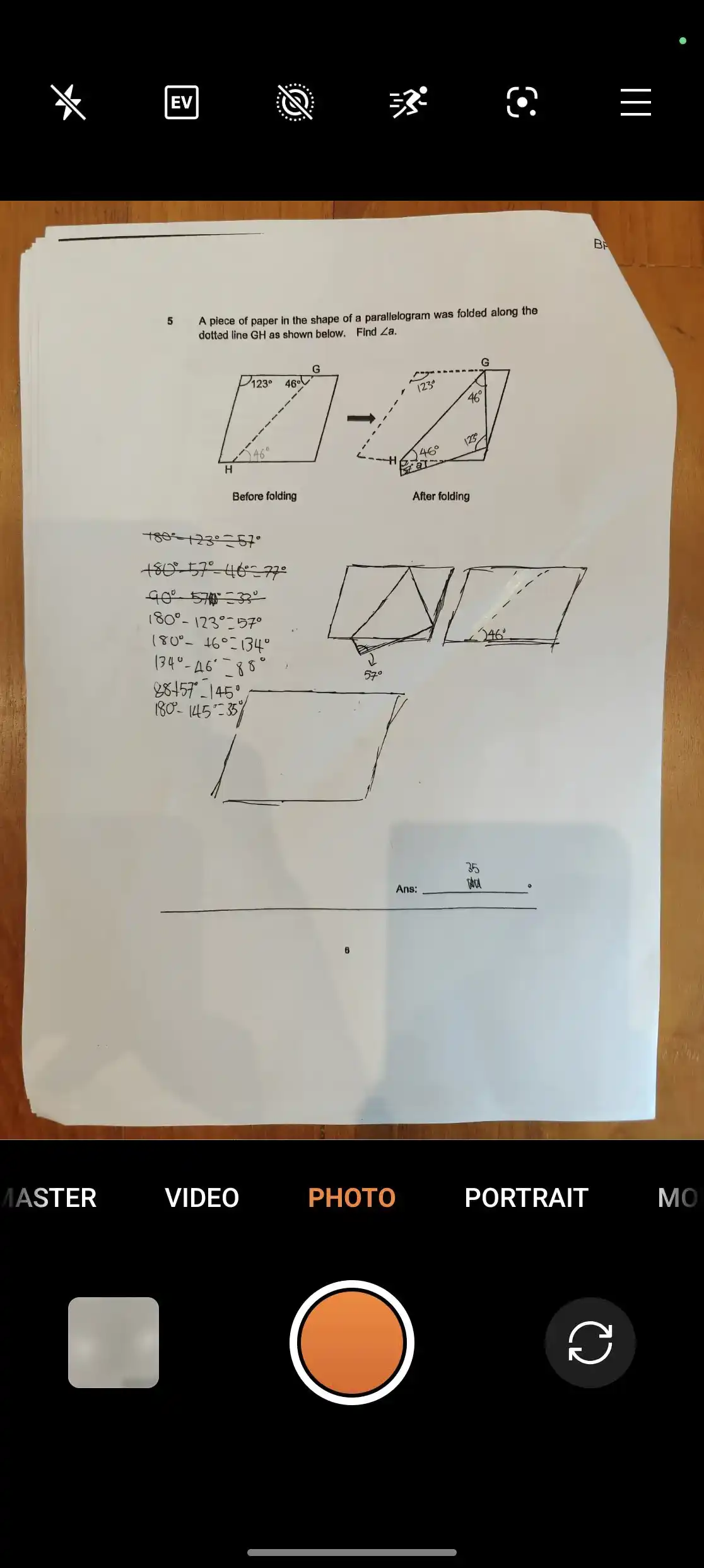
Photograph the page
Open the app on your phone, pick the child and the book, and take a photo — or upload one from your camera roll. Crooked, dim lighting, multiple pages: all fine.
- 2
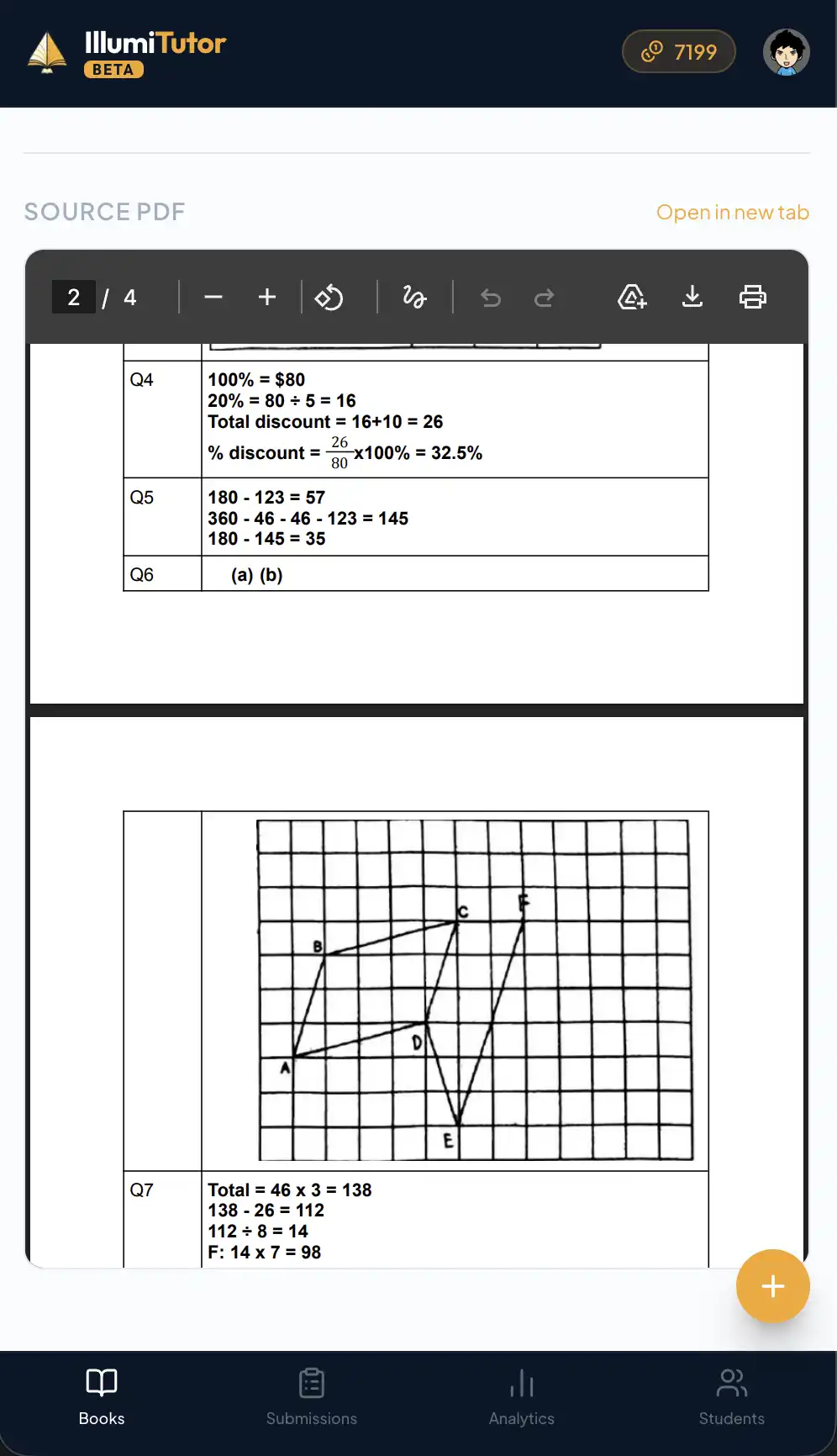
AI marks it against the answer key
IllumiTutor reads the handwriting, compares each answer to the answer key, and marks it the way a Singapore teacher would — method marks included.
- 3
Get an annotated page + per-question feedback
You get the page back with ticks, crosses and short explanations on every question — so a wrong answer becomes a lesson, not just a red mark.
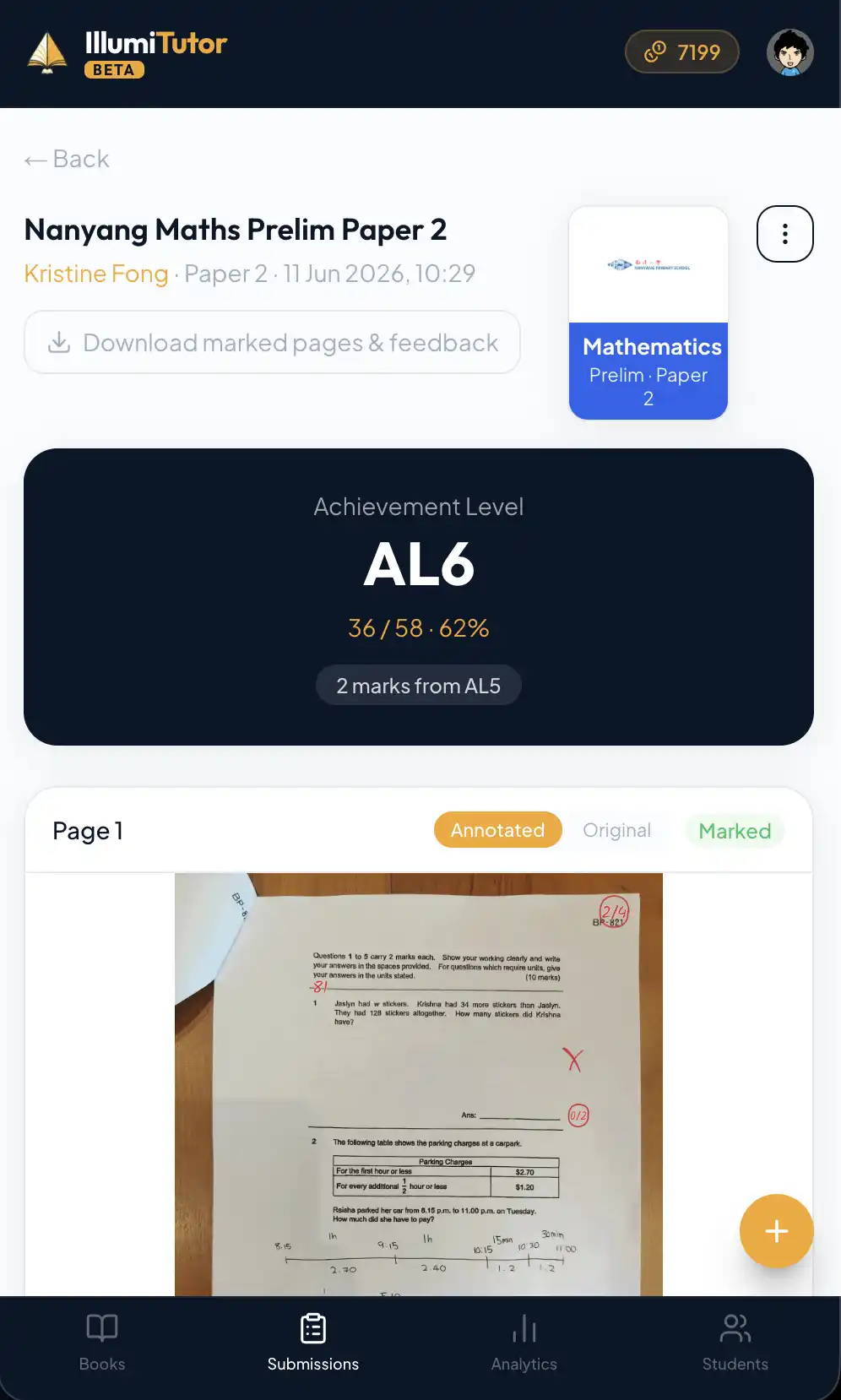
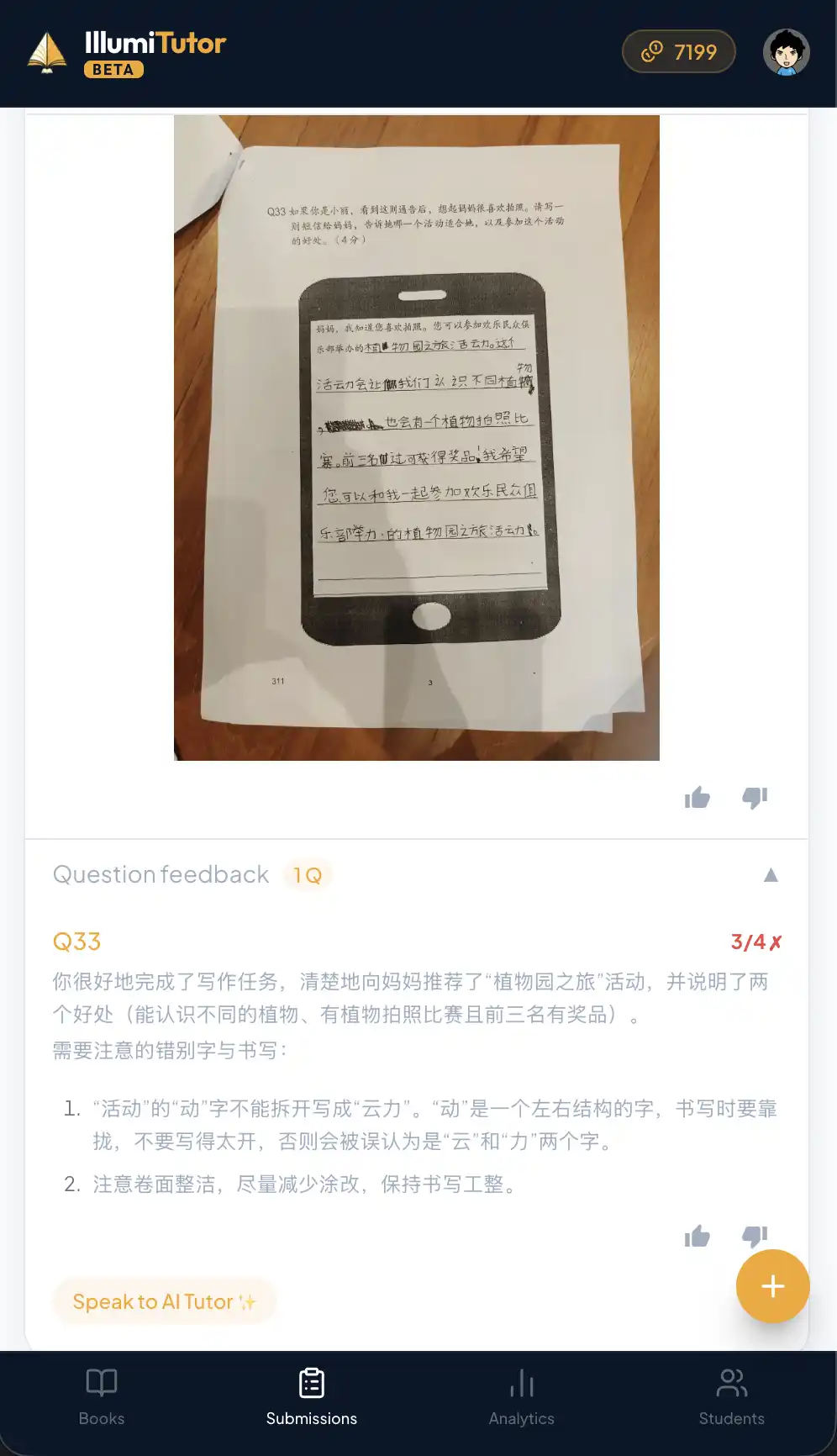
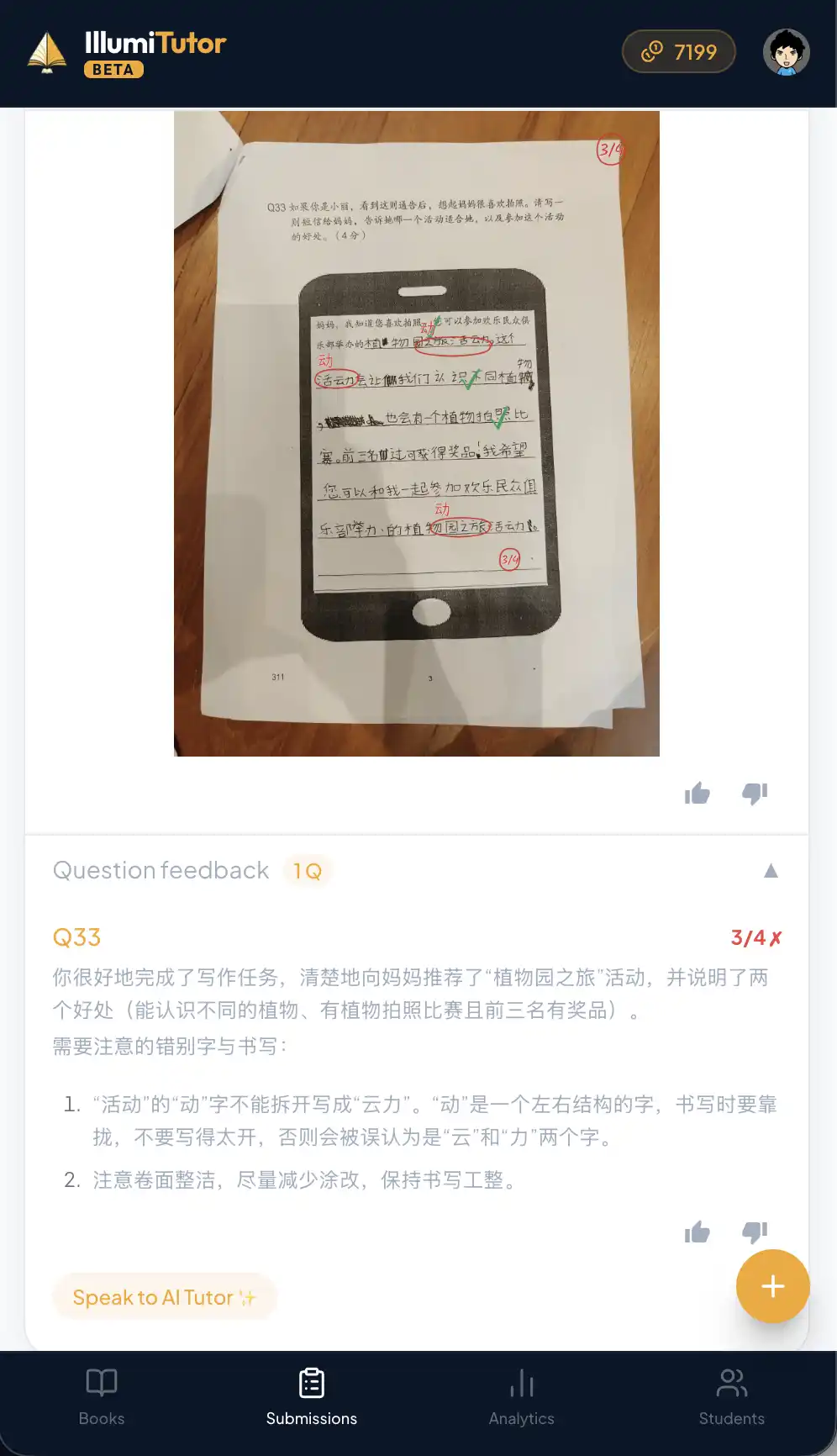
Same page, 30 seconds apart.
Questions parents ask
How accurate is the marking?
It marks against the official answer key for the book, and awards method marks the way a Singapore teacher would. You can always see and adjust any mark.
Does it work with messy handwriting?
Yes — it’s built for real primary-school handwriting and imperfect phone photos.
Which subjects and levels?
English, Maths and Science across primary, plus secondary levels. The answer key is what it marks against.
Read more