IllumiTutor works best when your child handwrites every answer with a stylus — not a keyboard, not a finger. Any tablet with a proper active pen will work. These are the four we reach for, in order of what they cost.
A tablet can be fast and cheap and still be the wrong one for handwriting. These are the things that actually change how practice feels.
Writing space
A PSLE model answer needs room — working lines, a diagram, a crossing-out you can still read. Around 11 inches is the practical minimum; the layout of the digital worksheet is built so a full answer fits without pinching to zoom mid-working.
A real active stylus
The pen is the part that matters most. You want palm rejection (so a resting hand doesn’t leave marks), tilt and pressure (so pencil-thin working lines vs a bold circle read differently), and low latency. A finger or a cheap passive stylus will not do.
A paper-like surface
Glass is slick, and a slippery screen is what makes digital handwriting feel worse than paper. A matte, anti-glare surface — built in on some tablets, a screen protector on others — adds the friction and cuts the glare that makes the pen feel like it is skating.
Our picks
Fourtablets,fourbudgets
All four handwrite well. Buy the cheapest one that fits your budget, or pay more if you want the pen and the page to feel closest to paper.
Best value for money
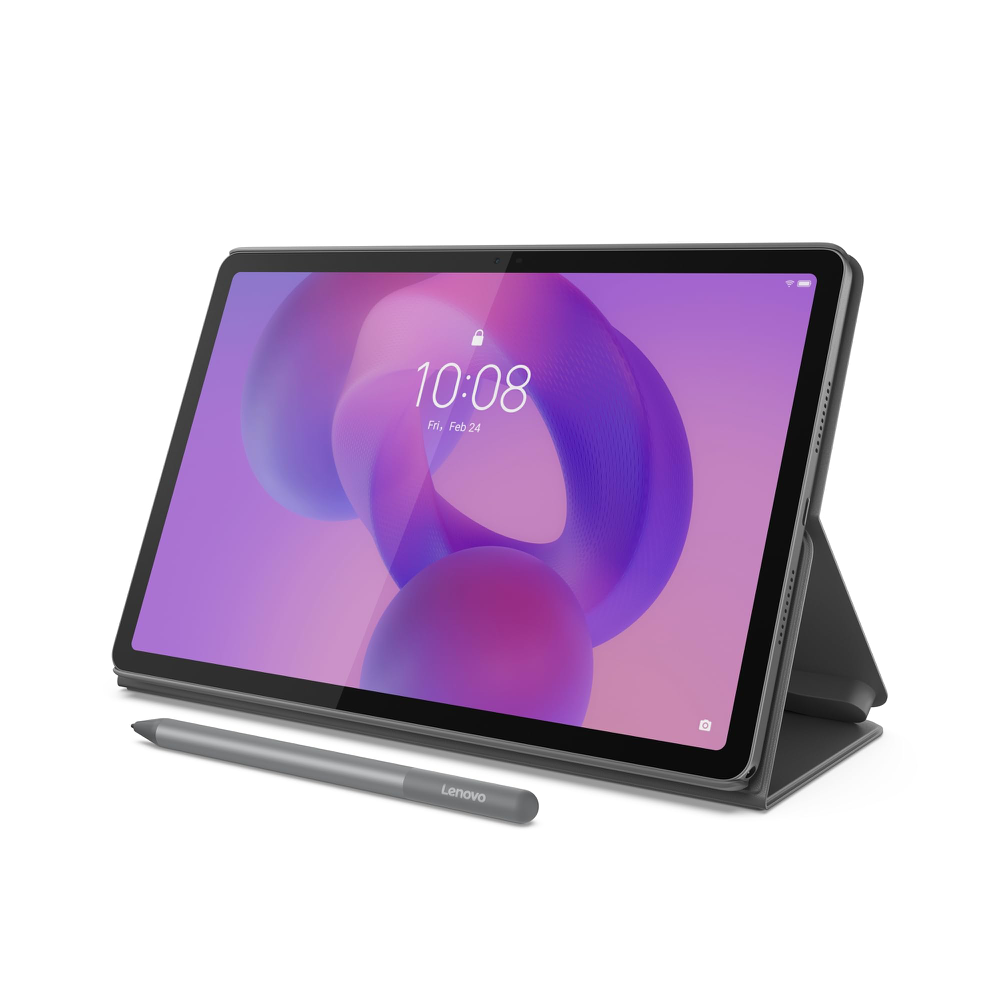
Lenovo Idea Tab (11″, 2025)
Families who want a capable writing tablet without paying Apple prices.
An 11-inch 2.5K Android tablet that comes with its own active pen. For the price, nothing else here gets close — and the pen is the same class of tool as the expensive ones: 4,096 pressure levels, tilt and palm rejection. It writes like a much pricier tablet.
Display
11″ 2.5K (2560 × 1600), 90 Hz, 500 nits
Pen
Lenovo Tab Pen — included
Storage
128 GB + microSD up to 2 TB
Battery
7,040 mAh · 20 W charging
Weight
480 g
Recommended stylus · Lenovo Tab Pen (included)
Bundled with this listing. 4,096 pressure levels, tilt, palm rejection, 180+ hours of writing on a AAAA battery.
Pen and paper-like anti-glare option at a budget price
Big 11″ 2.5K screen — more writing room than most cheap tablets
Amazon.sg, Sep 2026 — imported, price moves. Check the listing for today.
Best Android upgrade
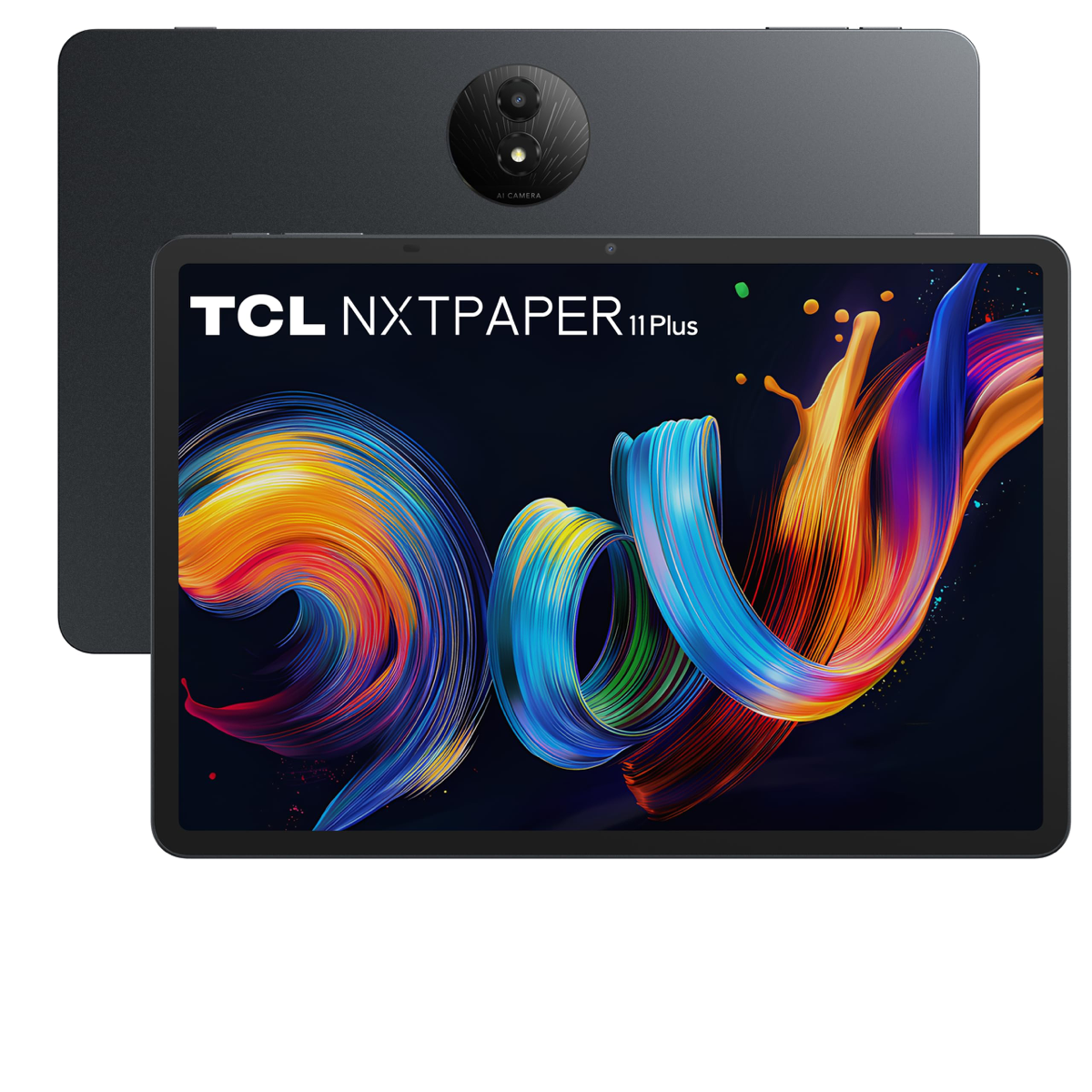
TCL NXTPAPER 11 Plus (11.5″, 2025)
Families who want more tablet than the Lenovo, but still well under iPad money.
The step up from the Lenovo, and the only one here with a paper-like screen built in: the matte NXTPAPER panel is anti-glare and low-blue-light, so there is no screen protector to buy. It is bigger (11.5″), smoother (120 Hz), doubles the storage to 256 GB and runs 8 GB + 8 GB of RAM. The catch is that the pen is not in the box.
Sold separately. 4,096 pressure levels, ultra-low latency and an instant no-pairing connection, with up to 100 hours of use from a 1.5-hour USB-C charge.
Matte NXTPAPER 4.0 screen — paper-like and anti-glare with no protector needed
Bigger 11.5″ canvas at 120 Hz, so fast handwriting doesn’t drop strokes
Double the storage of the Lenovo (256 GB) and much faster 33 W charging
Four DTS speakers and IP54 splash resistance
Worth knowing: The T-Pen is not included — budget roughly S$87 more for the stylus, and it is the heaviest of the two Android tablets.
Amazon.sg, Sep 2026 — imported, price moves. Check the listing for today.
Most popular
Best all-rounder
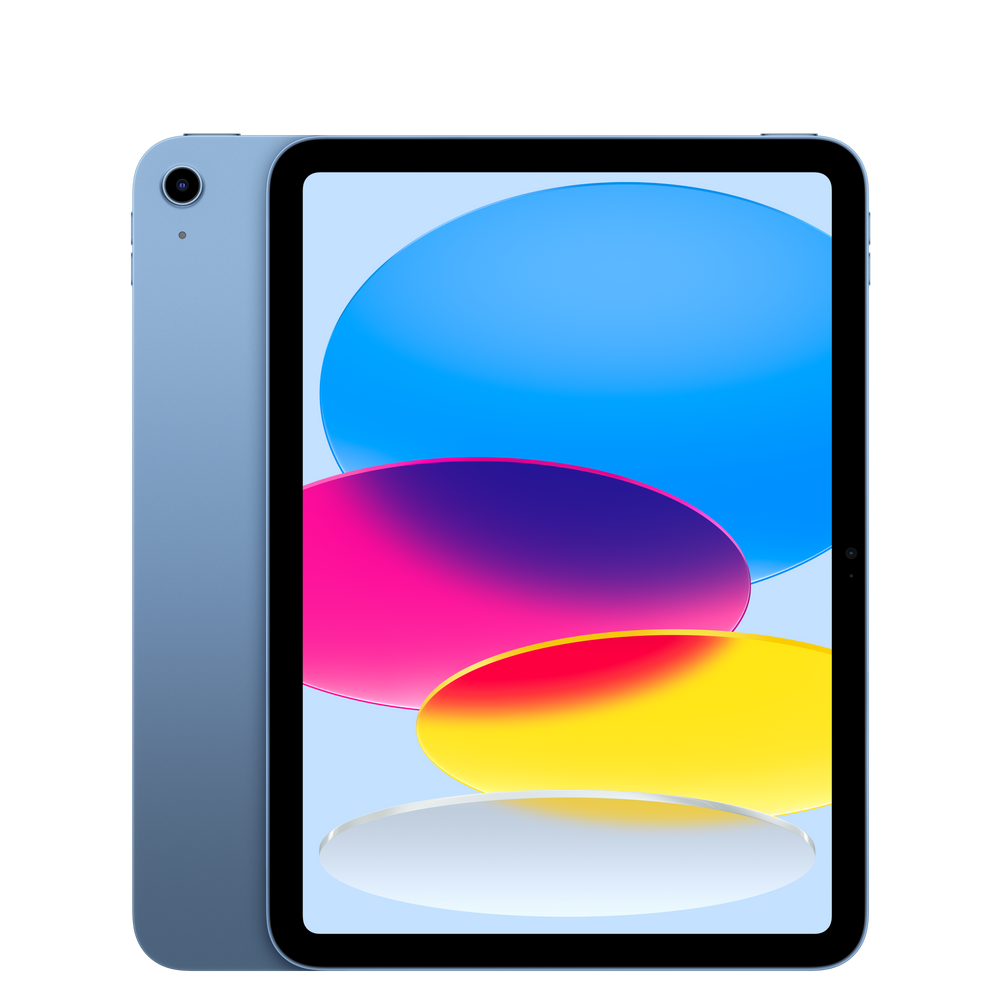
Apple iPad 11″ (A16, 2025)
Most families — the safest, longest-lasting pick if the budget stretches.
The standard iPad is the default answer for a reason: it will still be getting updates years from now, every app your child’s school might use is here, and the Apple Pencil (USB-C) is a genuinely good writing tool. Buy this one if you are unsure.
Display
11″ Liquid Retina (2360 × 1640), 60 Hz
Chip
Apple A16
Pen
Apple Pencil (USB-C) — sold separately
Storage
128 GB base
Battery
Up to ~10 h · USB-C
Weight
477 g
Recommended stylus · Apple Pencil (USB-C)
Sold separately. Low latency, tilt and palm rejection, and it charges and stores magnetically. No pressure sensitivity — that is the one thing the Pro adds.
Longest software support of the four — years of iPadOS updates
Every education and handwriting app is built for iPad first
The Pencil is precise and the palm rejection is best-in-class
Huge resale value if your child outgrows it
Worth knowing: The USB-C Pencil has no pressure sensitivity, and the 60 Hz screen is the most expensive-feeling compromise.
Apple official RRP, Sep 2026 — may vary, and excludes Shopee discounts and vouchers.
Best writing experience
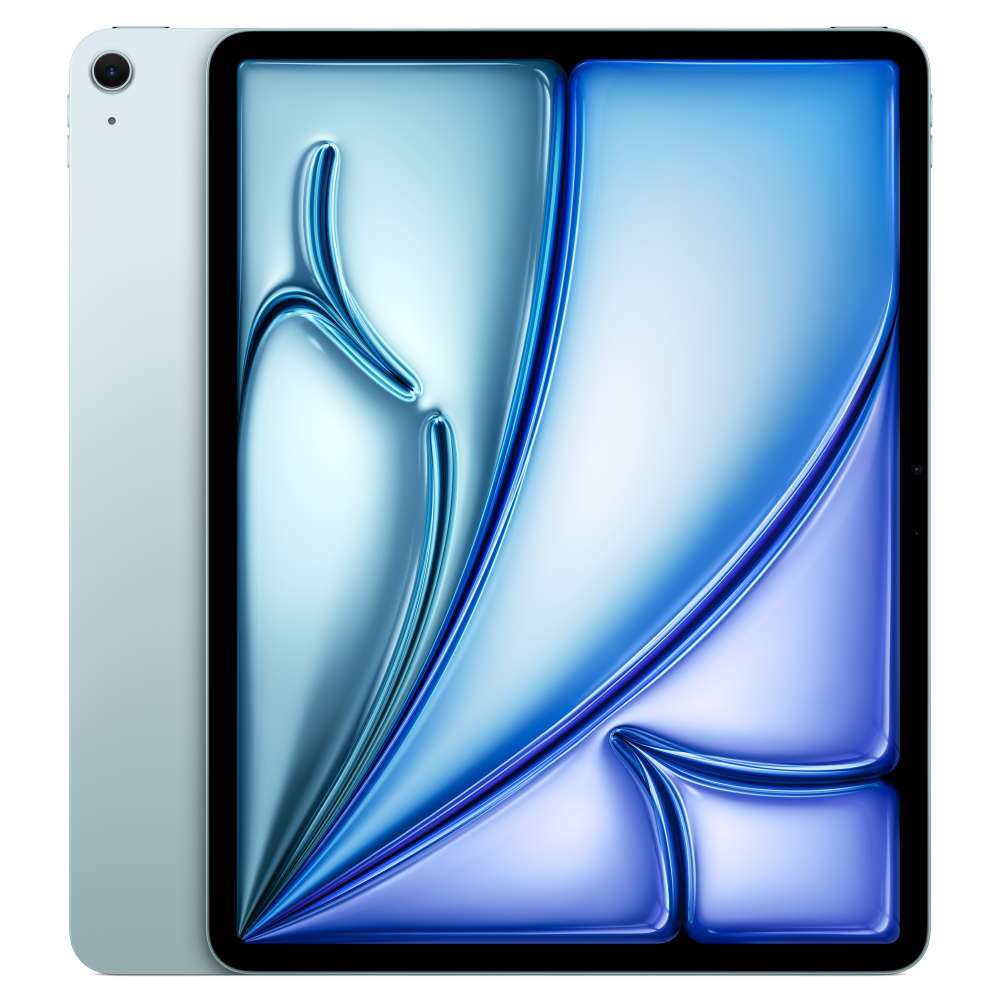
Apple iPad Air 13″ (M4, 2026)
Serious exam practice where the worksheet should feel as close to A4 as possible.
The 13-inch Air is the closest a tablet gets to an A4 page — which is exactly what the real paper looks like. Paired with the Apple Pencil Pro you get pressure, hover, squeeze and haptics, so the pen behaves like a pen. This is the one to buy if handwriting quality is the priority.
Display
13″ Liquid Retina (2732 × 2048), 60 Hz
Chip
Apple M4
Pen
Apple Pencil Pro — sold separately
Storage
128 GB base
Battery
Up to ~10 h · USB-C
Weight
617 g
Recommended stylus · Apple Pencil Pro
Sold separately. Adds pressure sensitivity, hover, squeeze, barrel roll and haptic feedback on top of the USB-C Pencil — the tools that make shading and fine working lines feel natural.
A 13″ canvas — essentially A4, so long answers fit without zooming
Apple Pencil Pro: pressure, hover, squeeze and haptics
Fast enough to last years, and still gets the full iPad app library
The best handwriting feel of the four
Worth knowing: The most expensive option, and at 617 g it is noticeably heavier to hold for long sessions.
Apple official RRP, Sep 2026 — may vary, and excludes Shopee discounts and vouchers.
Side by side
Thefour,compared
Same order as the cards above. Everything a handwriting-first buying decision turns on.
Spec
Lenovo Idea Tab
TCL NXTPAPER 11 Plus
iPad 11″ (A16)
iPad Air 13″ (M4)
Screen
11″ 2.5K IPS (2560 × 1600), 90 Hz
11.5″ 2.2K NXTPAPER (2200 × 1440), 120 Hz
11″ (2360 × 1640), 60 Hz
13″ (2732 × 2048), 60 Hz
Writing space
Comfortable
Roomier — 11.5″ and 3:2
Comfortable
Nearly A4 — the roomiest
Stylus
Lenovo Tab Pen — included
TCL T-Pen — extra
Apple Pencil (USB-C) — extra
Apple Pencil Pro — extra
Pressure sensitivity
Yes — 4,096 levels
Yes — 4,096 levels
No (tilt only)
Yes
Paper-like surface
Optional anti-glare panel
Built-in matte NXTPAPER — no protector needed
Add a matte protector
Add a matte protector
Operating system
Android 15
Android 15
iPadOS (A16)
iPadOS (M4)
Base storage
128 GB + microSD
256 GB
128 GB
128 GB
Battery
7,040 mAh · 20 W
8,000 mAh · 33 W
Up to ~10 h
Up to ~10 h
Weight
480 g
498 g
477 g
617 g
Approx. price
S$318 (Amazon)
S$388 + S$87 pen (Amazon)
From S$649 (RRP)
From S$1,449 (RRP)
Prices move with promotions and sellers. Check the listing before you buy.
Don’t forget the pen
Thestylusisthepartthatmatters
The TCL and both iPads sell the pen separately, and each pen only works with its own family of tablets. Match the pen to the tablet, because a mismatched one simply will not pair.
For the TCL NXTPAPER 11 Plus
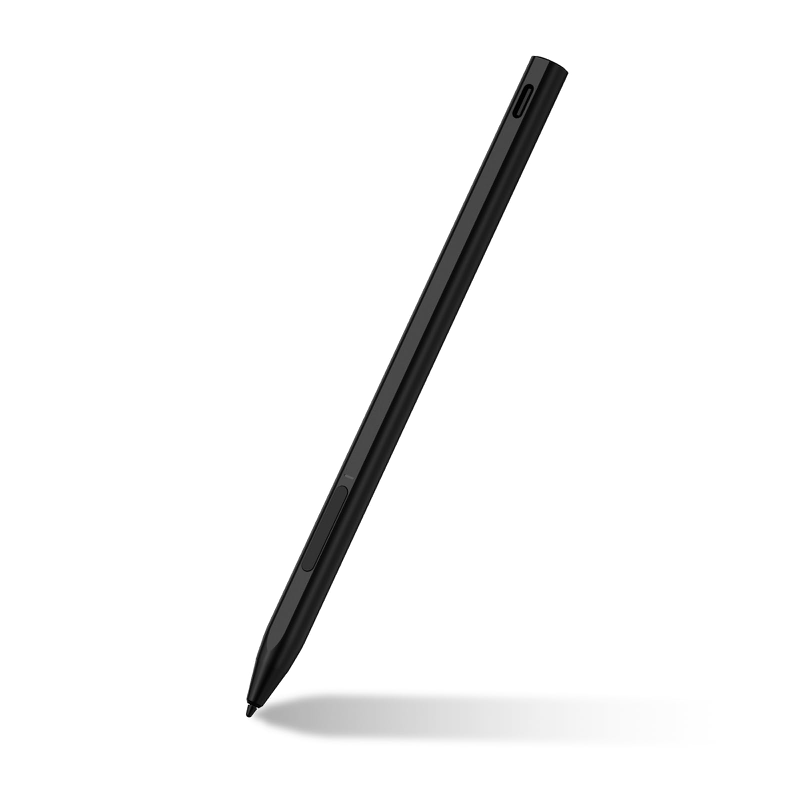
TCL T-Pen
TCL’s active pen for the NXTPAPER line. 4,096 pressure levels and ultra-low latency, plus an instant connection with no pairing — it writes the moment you pick it up. Charges over USB-C, lasts up to 100 hours, and the tip is replaceable.
Amazon.sg, Sep 2026 — imported, price moves. Check the listing for today.
For the iPad 11″ (A16)
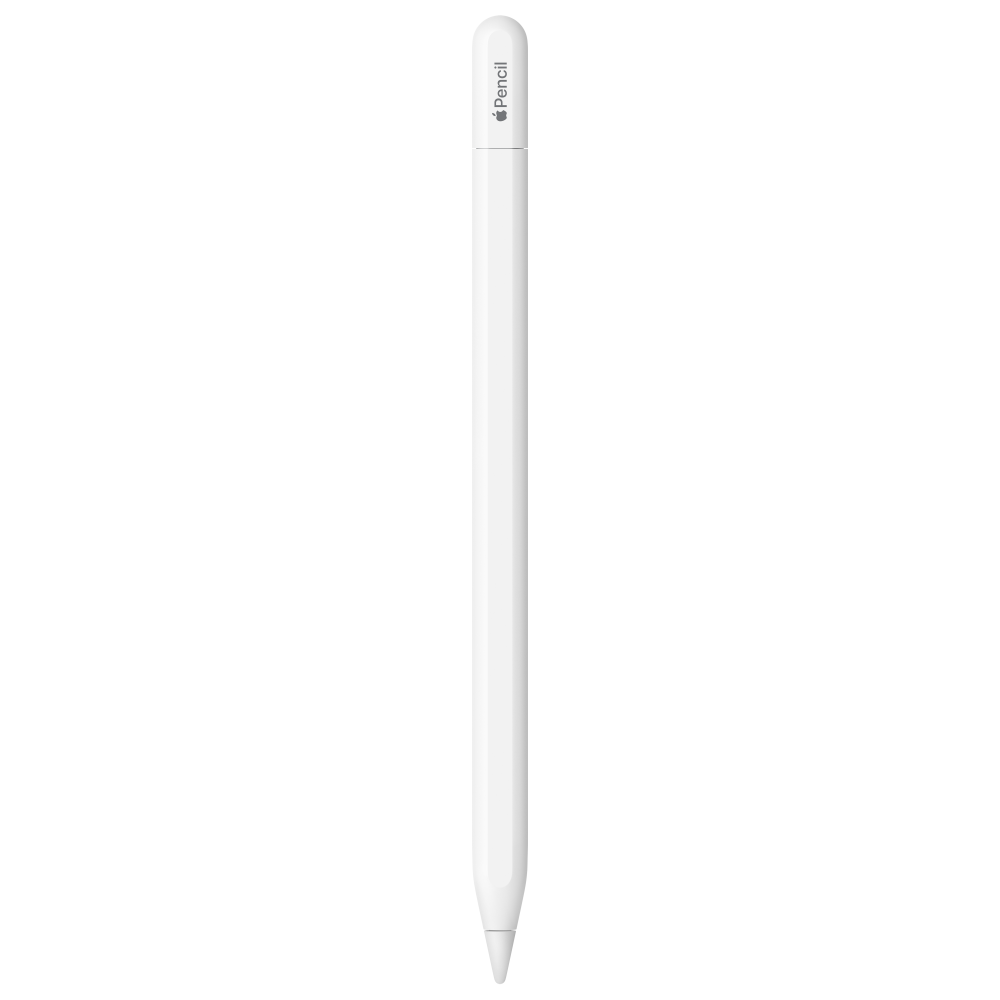
Apple Pencil (USB-C)
The everyday Pencil. Tilt, palm rejection and low latency, charges over USB-C and stores magnetically on the side of the iPad. No pressure sensitivity.
Apple official RRP, Sep 2026 — may vary, and excludes Shopee discounts and vouchers.
For the iPad Air 13″ (M4)
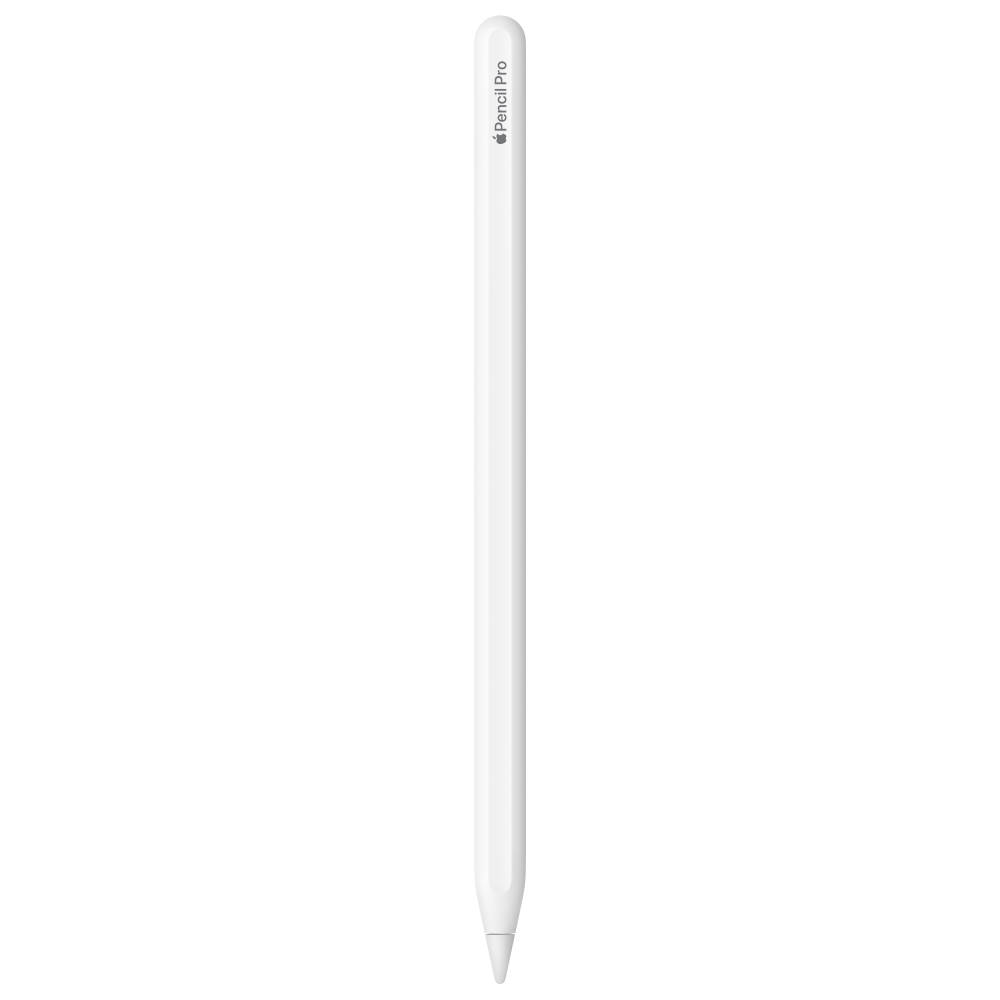
Apple Pencil Pro
Adds pressure sensitivity, hover, squeeze, barrel roll and haptic feedback. This is the one that makes digital pen feel like real pen — and it only works with the Air (and Pro) models.
Apple official RRP, Sep 2026 — may vary, and excludes Shopee discounts and vouchers.
Why it matters
Thebesttabletistheonethatstopsfeelinglikeatablet
The whole point of writing on a tablet is that your child forms every answer by hand — working, crossings-out and all — instead of typing or tapping multiple-choice options. That only works if the page is big enough to hold a full model answer and the pen feels close enough to paper that they forget they are holding a screen. Get those two things right and the practice transfers to the exam. Get them wrong and you have spent money to make handwriting harder.
Go 11 inches or larger — the 13″ iPad Air is almost exactly A4
Insist on an active pen with palm rejection — never a finger or a passive stylus
Add a matte screen protector if the tablet does not ship with an anti-glare surface
Test it with your child before a long session: holding weight matters more than specs
Questions
Can my child just use their finger, or a cheap stylus?
No. IllumiTutor is built so answers are handwritten, and writing with a finger on glass is slow and imprecise — it trains the wrong habits. You need an active pen with palm rejection so a resting hand does not leave stray marks.
Is an iPad required?
No. IllumiTutor opens in the browser, so an Android tablet like the Lenovo Idea Tab or the TCL NXTPAPER 11 Plus works too. We call out the iPad more often simply because most families already have one, and because the iPad’s app ecosystem is the most consistent for stylus writing.
How much storage do we actually need?
Storage barely matters for IllumiTutor. It is a web app, so it needs no local storage on the tablet: every paper you submit and every image you upload is stored in your secure IllumiTutor cloud account, not on the device. That also makes your account portable across devices — your child can start on one tablet and pick up on another.
What about a bigger screen than 13 inches?
You do not need one. A 13-inch tablet is already about the size of an A4 sheet in landscape — bigger than the paper your child sits the exam on. A much larger device becomes heavy and awkward to hold and write on.
Do these prices include the stylus?
Only on the Lenovo — the Lenovo Tab Pen is bundled with the linked listing. On the TCL and both iPads the stylus is sold separately, so budget for the pen as well as the tablet.
Some links on this page are affiliate links. If you buy through them, IllumiTutor may earn a small commission — at no extra cost to you. It does not change what we recommend: we test these devices with the digital worksheet, and we would recommend the same four whichever retailer you choose. Prices and availability change; always check the listing before buying.
Apple, iPad, iPad Air and Apple Pencil are trademarks of Apple Inc. Lenovo, Idea Tab and Lenovo Tab Pen are trademarks of Lenovo. TCL, NXTPAPER and T-Pen are trademarks of TCL. IllumiTutor is not affiliated with, sponsored or endorsed by Apple, Lenovo or TCL.
Get the tablet. Then put it to work.
Open a free IllumiTutor account, pick a past-year paper, and have your child handwrite it on the device you chose. The first marks are on us.