Step 5 of the loop
See the gap actually close.
Marking isn’t the end — it’s data. Every page your child does builds a clear picture of what’s improving and what still needs work, so you’re never guessing whether it’s landing.
Try free — 200 credits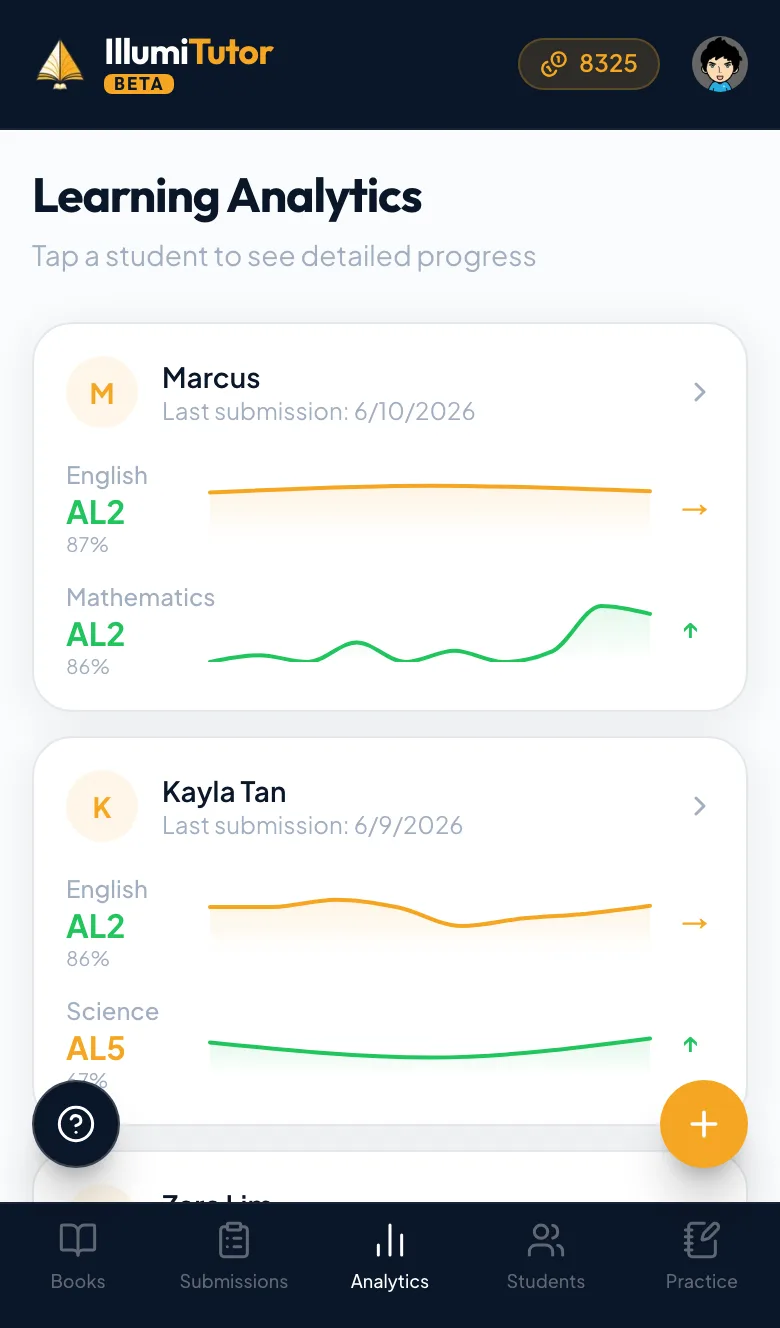
- 1
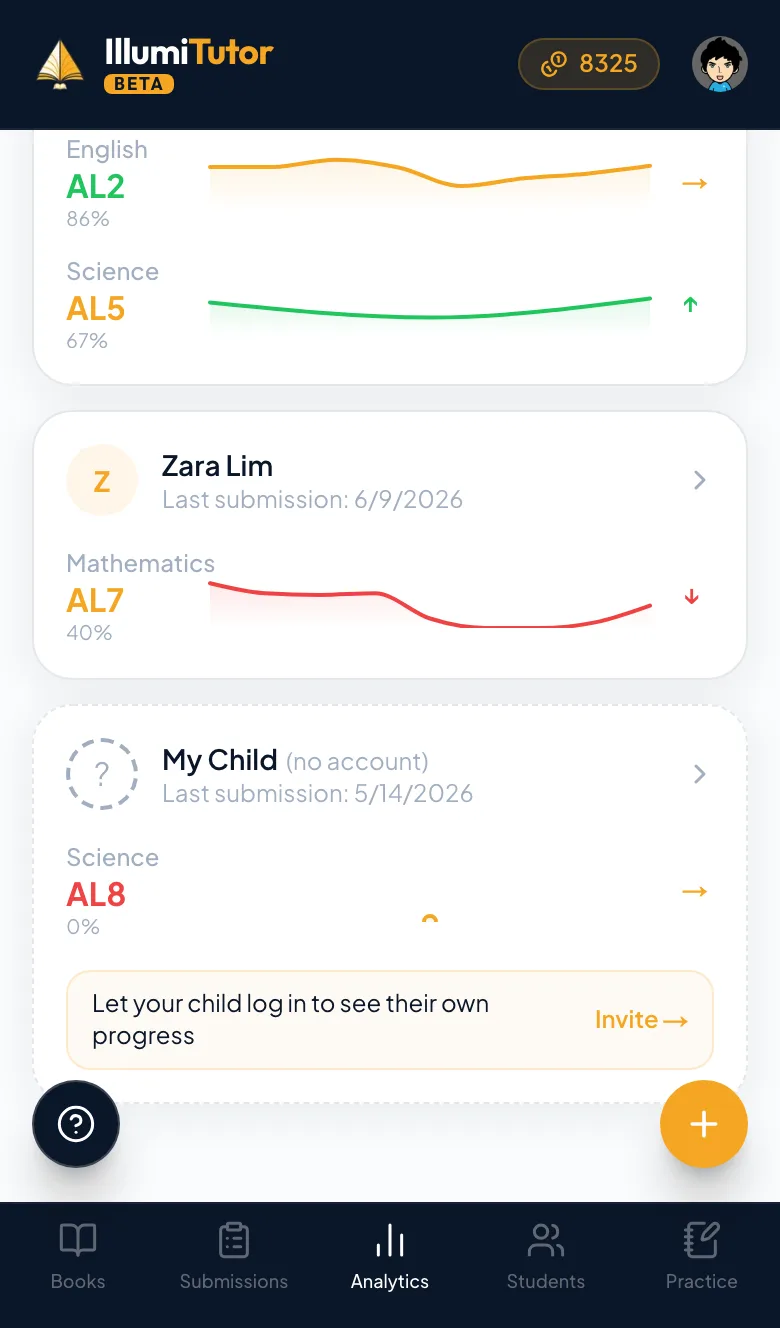
Every submission feeds the picture
Each marked page rolls into a per-child profile — no extra logging, no spreadsheets. The more your child does, the sharper the picture of where the marks are going.
- 2
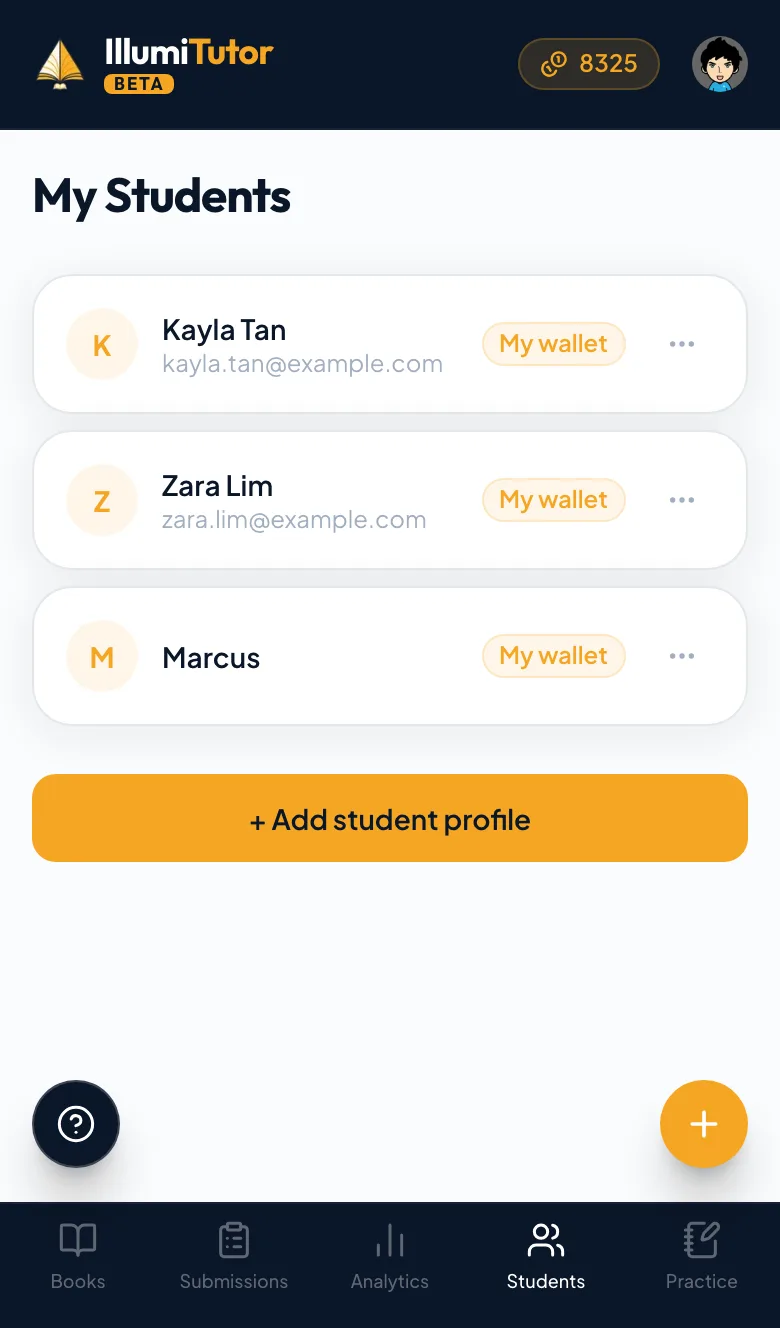
Trends and exam bands
See how each subject is trending over time and where it lands on the PSLE AL bands (or O-level grades for secondary) — the gap, in the terms the exam actually uses.
- 3
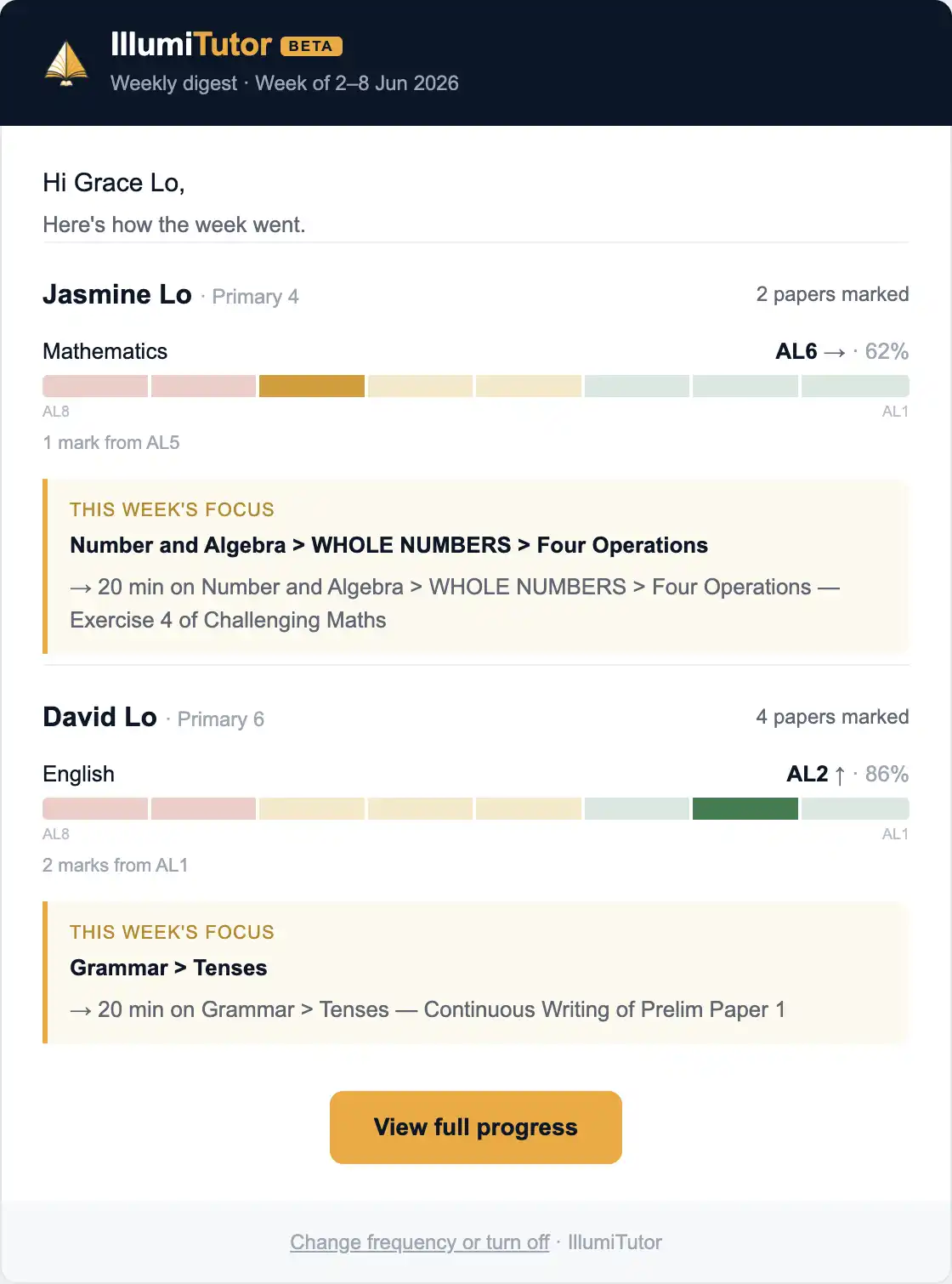
A weekly digest by email
A short email each week sums up what your child did, what improved and what to work on next — so you stay in the loop without having to open the app.
Questions parents ask
What are AL bands?
The PSLE Achievement Levels (AL1–AL8) are how the exam now scores each subject. We show where your child’s work currently sits so progress is in the terms that count.
Can I track more than one child?
Yes — each child has their own profile and trends, all under one family account.
How does the weekly digest work?
Once a week we email a short summary per child — what they did, what improved, and what to focus on next. You can opt out anytime.
Read more